Pressure-test a new layout direction
See whether opening a walkway, changing the focal point or reducing visual clutter makes the room feel more balanced.
Rearrange my room app · photo-first
Roomcast gives you a visual layout direction from a photo of the room you already live in. Explore a bolder furniture arrangement, compare it with today’s layout, then measure before you lift anything.
No signup to start · Free to start · Premium $6.99/mo or $29.99/yr
Two controls, one real room
Best for a grounded preview
Explore a more open layout, a different focal point or fewer visual obstacles. Freestanding furniture may move or change to show the idea clearly.
Best for broader ideas
Use this when the furniture should stay put and you only want to test color, textiles, lighting and decor around the current arrangement.
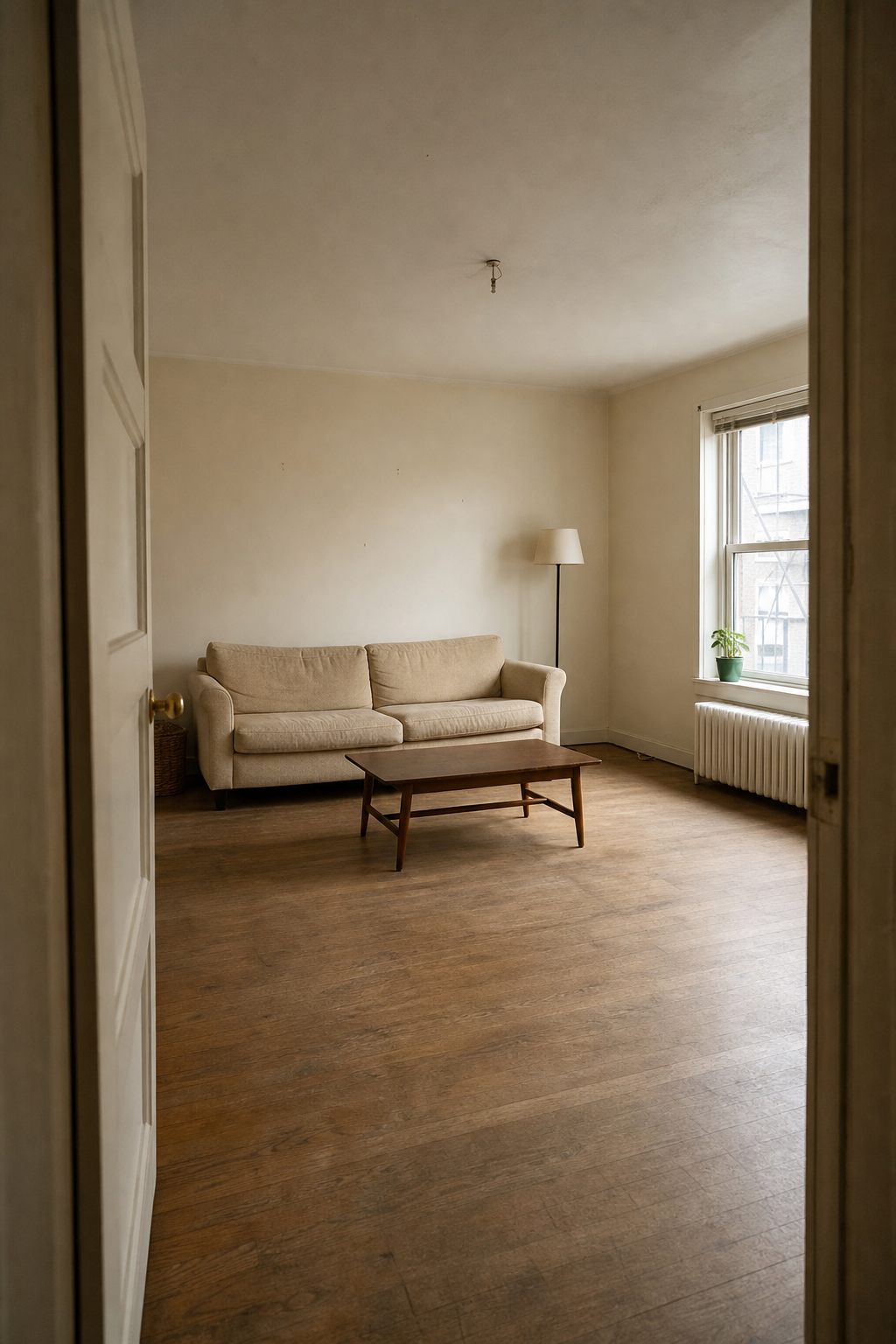
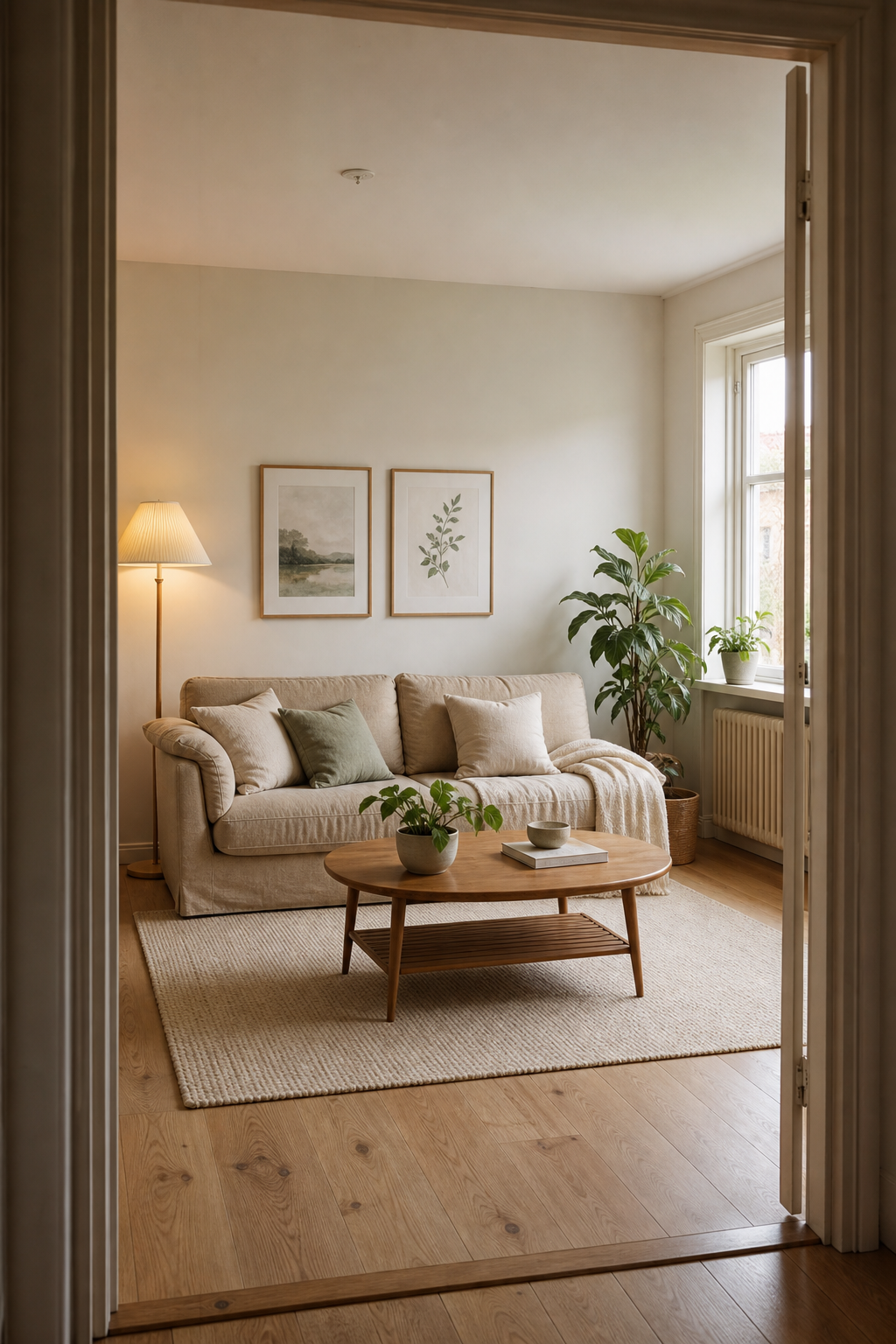
Result first
Roomcast is a visual planning aid. It helps you narrow the idea; measurements and product fit still need a real-world check.
Use a straight-on, well-lit view so the room structure is easy to read.
Try Modern, Scandinavian, Coastal, Japandi, Mid-Century or Boho.
Use the result as a concrete direction, then verify dimensions before changing the room.
Useful, not magical
See whether opening a walkway, changing the focal point or reducing visual clutter makes the room feel more balanced.
Use the image to shortlist one or two layouts before doing the physical work. Confirm clearances with real measurements first.
Share a visual direction with a partner, roommate or client instead of trying to describe where every piece should go.
Before you try it
Creative redesign mode can propose a different arrangement or replace freestanding pieces. Keep room layout mode is better when you want the current placement preserved.
No. Roomcast is a photo-based visual planning tool, not a CAD or measurement app. Measure walls, doors, walkways and furniture before moving or buying anything.
Roomcast prompts the redesign to preserve architecture and camera angle. AI output can still make mistakes, so compare the result with the original photo and ignore any impossible change.
No. You can upload a photo and start on the web. The iPhone app adds a more convenient saved-project workflow for repeated redesigns.
Use your own room
Try the web flow first. Move to the iPhone app when you want saved redesigns and more iterations.