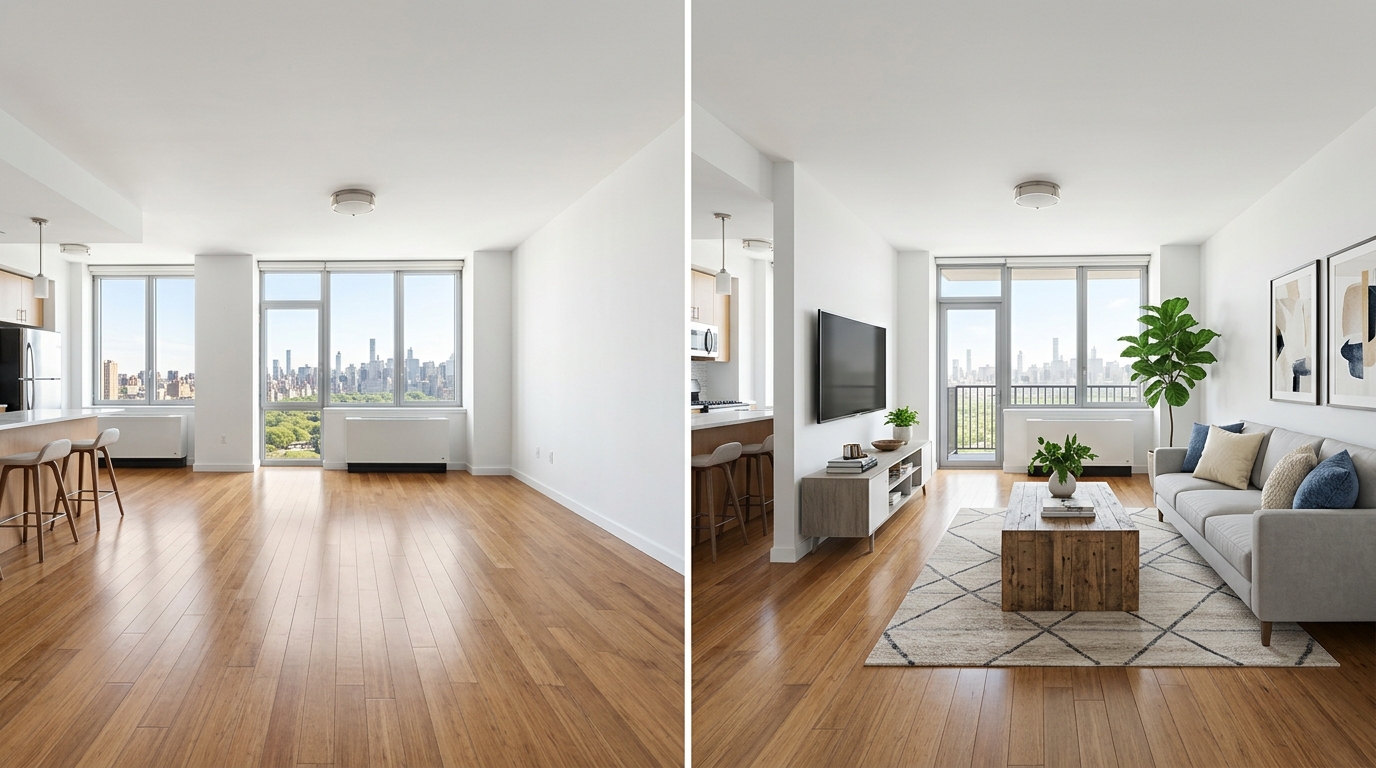
A real Roomcast before and after
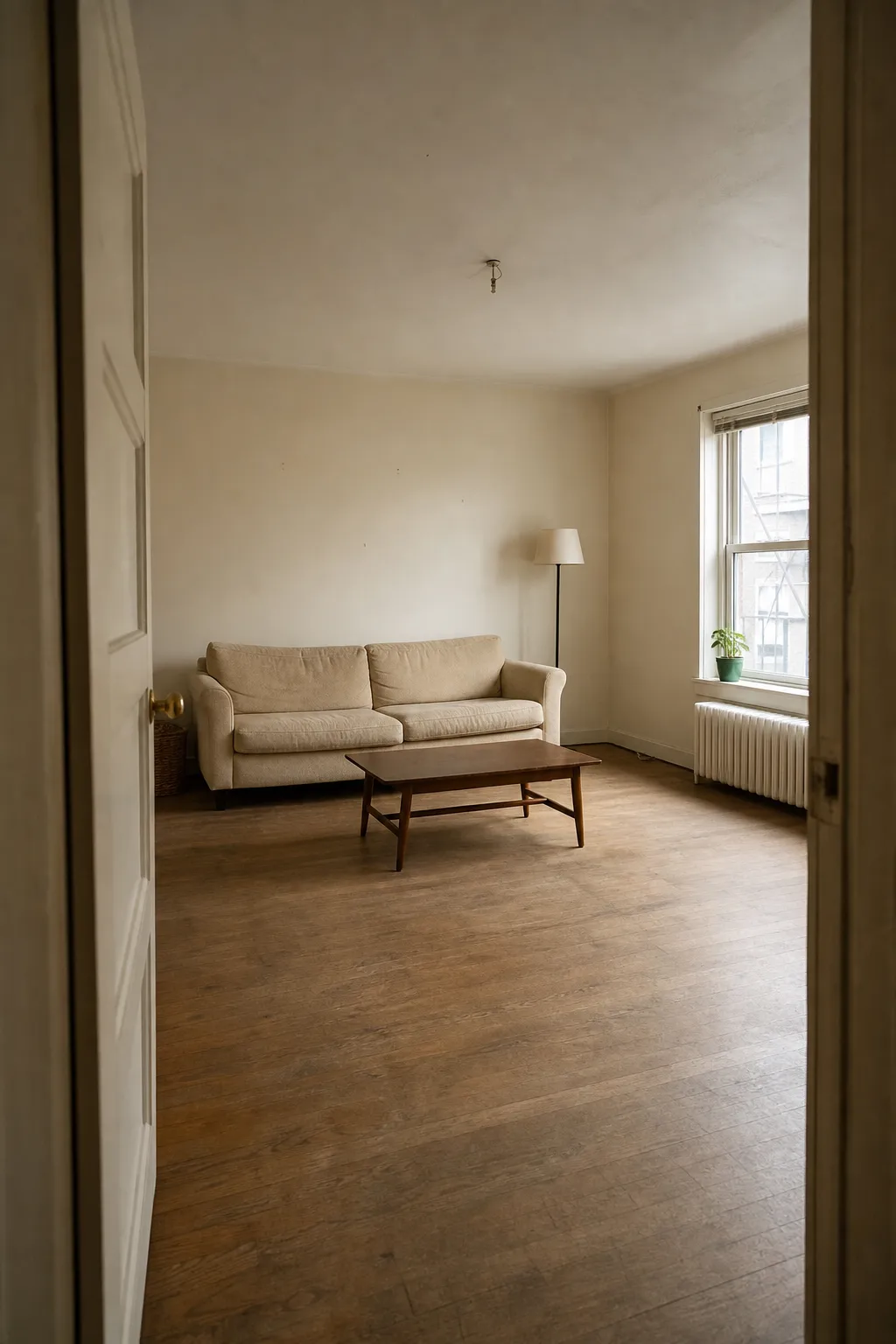
Before
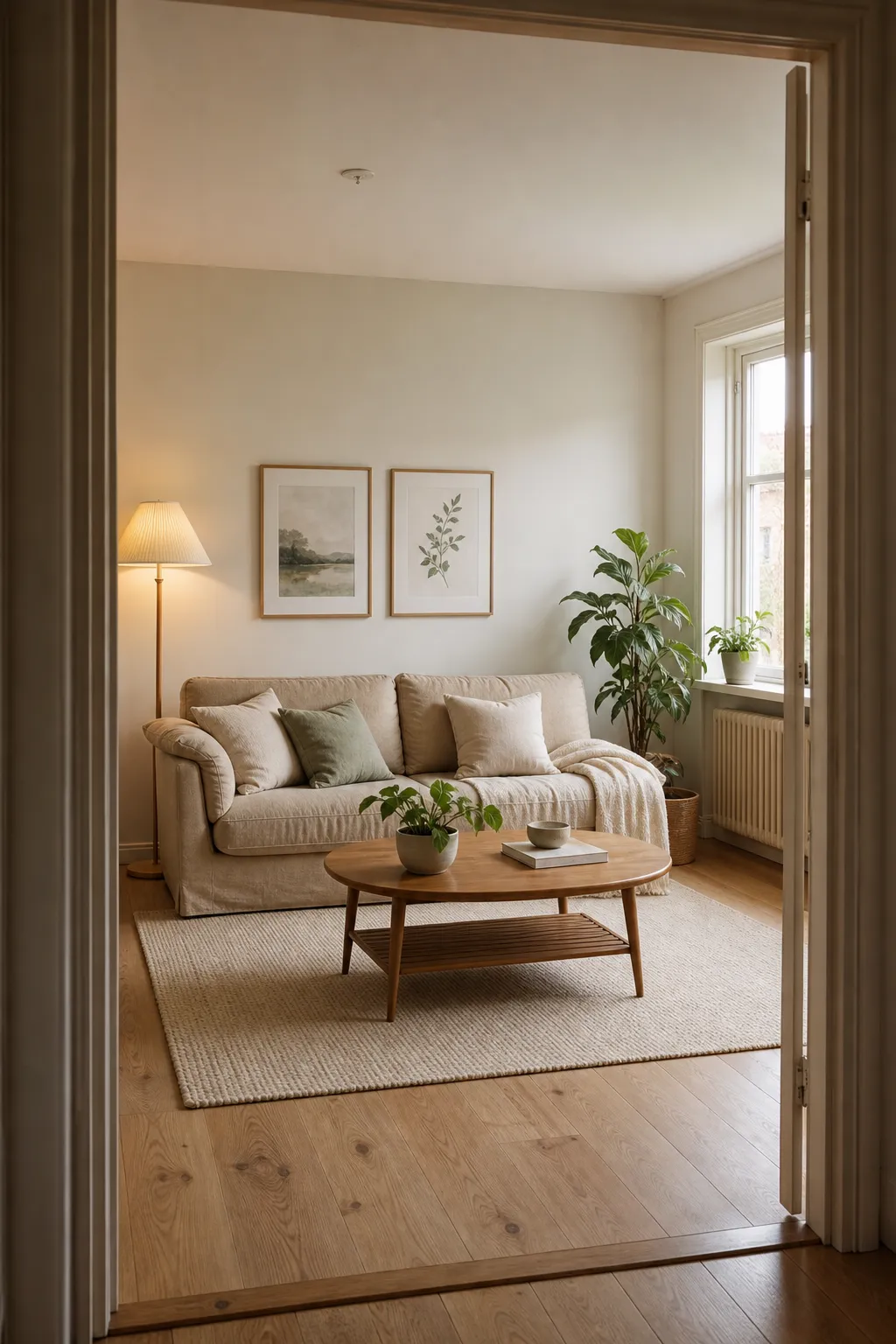
After: Scandinavian
“Virtual staging” originally meant one specific thing: real estate agents digitally furnishing an empty listing photo so it photographs better for buyers. The underlying AI technology has since spread into a much broader consumer category — anyone can now use similar tools to preview furniture or a full redesign in a room they actually live in. The two use cases get marketed under overlapping terms, which makes shopping for the right tool confusing.
Two different products wearing the same name
Real estate virtual staging is built for listing photos. The room is often empty or sparsely furnished, and the goal is to make it look move-in ready to potential buyers in marketing photos. These tools are usually priced per image — professional staging services often charge $15–$30 per photo, while self-serve AI staging tools usually cost a few dollars or less per image — because the target customer is an agent staging a handful of listing photos per sale, not someone generating dozens of variations for personal use.
Consumer room redesign apps are built for people who live in the room and want to see it restyled — renters, homeowners, anyone planning a refresh. These use subscription pricing (typically $5–$30/month) because the expected use pattern is different: trying multiple styles, iterating, coming back to it over weeks, not producing one final image for a listing.
If you’re staging your own home to sell it, either category can technically work, but the per-image real estate tools are usually overkill in cost if you just want to see a few style options for your own space. If you’re redesigning where you live, a consumer app’s subscription model is almost always the better value.
What to actually check before paying
- Per-image or subscription? Confirm which pricing model you’re looking at — some real estate-oriented tools disguise per-image pricing behind a “starting at” number that only applies to the cheapest tier.
- Does it preserve the room’s real structure? The same accuracy question that matters for any AI redesign applies here — does the tool keep your actual walls, windows, and layout, or does it generate a generically staged room that doesn’t match your real space?
- Commercial use rights, if you’re selling a home. Some consumer-priced apps restrict commercial/listing use to higher tiers or require a separate license — check this specifically if you plan to use the output in a real estate listing, since using a personal-tier image commercially can violate the app’s terms.
- Disclosure requirements, if the staged photo will be used in an actual listing — most MLS platforms require buyers be told a photo is virtually staged.
Where Roomcast fits
Roomcast is built for the second category — people redesigning a room they actually live in, not producing listing photos for a sale. It takes a photo of your real room, lets you choose how much the layout can change, and generates a redesign in one of six styles (Modern, Scandinavian, Coastal, Japandi, Mid-Century, Boho). Pricing is a flat subscription — $6.99/month or $29.99/year — rather than per-image, which is a better fit if you want to try a few different directions for your own space rather than pay per photo.
See it in your own room for free
Upload a photo of your room, pick a style, and compare a redesign made with instructions to keep your room layout. No signup needed.
Redesign my room freeSee how Roomcast redesigns your actual roomOr get Roomcast on iPhone1 free watermarked preview a month. Premium on iPhone: $4.99/week with a 3-day free trial, $6.99/month, or $29.99/year with a 3-day free trial.
Bottom line
“Virtual staging app” covers two different products at two different price models. If you’re an agent staging listing photos, expect to pay per image. If you’re staging or redesigning your own room, a subscription-based consumer app will almost always cost less and let you explore more freely.
See it in your own room for free
Upload a photo of your room, pick a style, and compare a redesign made with instructions to keep your room layout. No signup needed.
Redesign my room freeSee how Roomcast redesigns your actual roomOr get Roomcast on iPhone1 free watermarked preview a month. Premium on iPhone: $4.99/week with a 3-day free trial, $6.99/month, or $29.99/year with a 3-day free trial.
Keep exploring: room ideas, all Roomcast alternatives compared, or redesign your own room free.