Guides
Room design guides
Straight answers on AI room design apps, pricing, and how photo-based redesign actually works — written to help you pick the right tool, not just to sell you Roomcast.
Start here
- rearrange my room app — test a layout before moving anything
- room makeover app from photo — how photo-based redesign actually works
- AI room design app — what it is and how to pick one
- free AI interior design apps — what "free" actually gets you
- HomeGPT alternative — what it does, and when to switch to an interior-focused tool
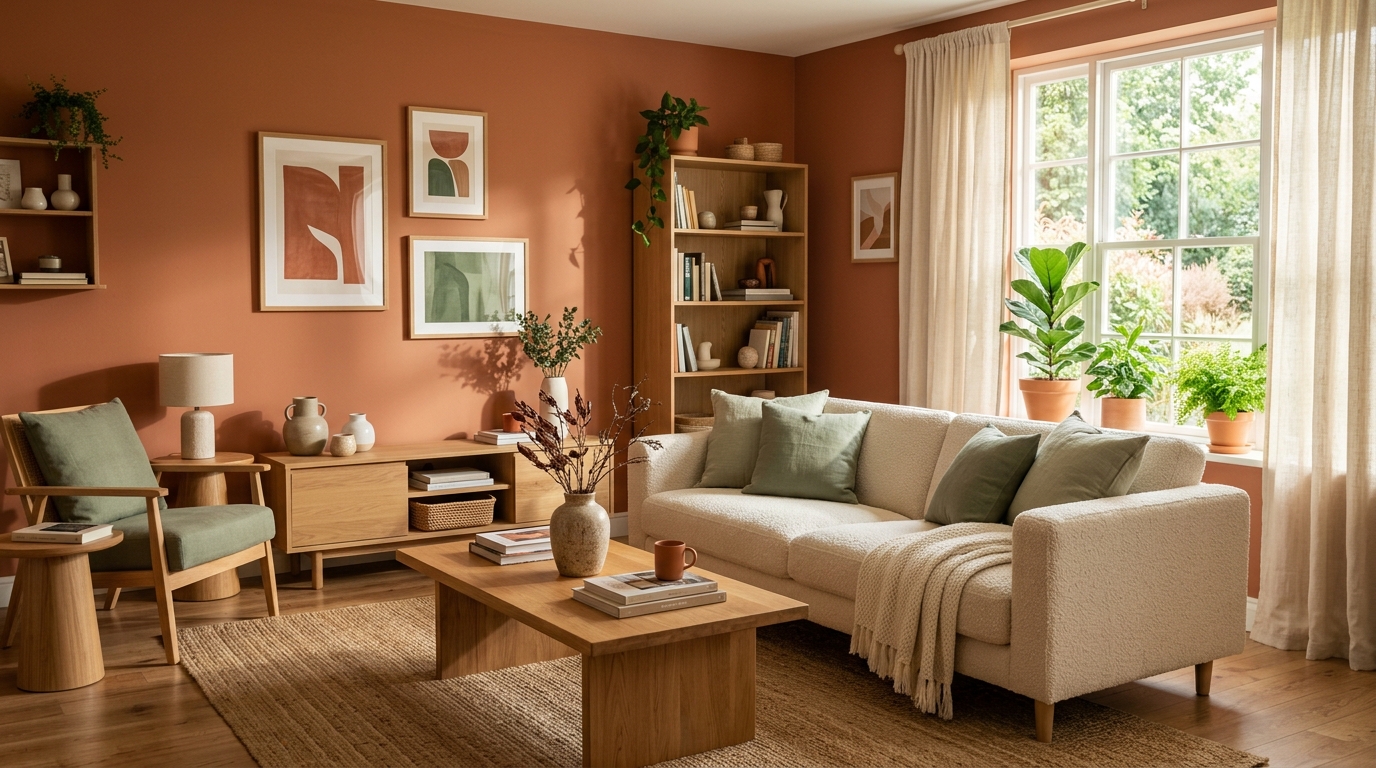
2026 Living Room Color Trends (and How to Try Them Without Repainting Yet)
The living room color directions gaining traction for 2026, and a lower-risk way to see how any of them would actually look in your real room before buying paint or furniture.
Read guide →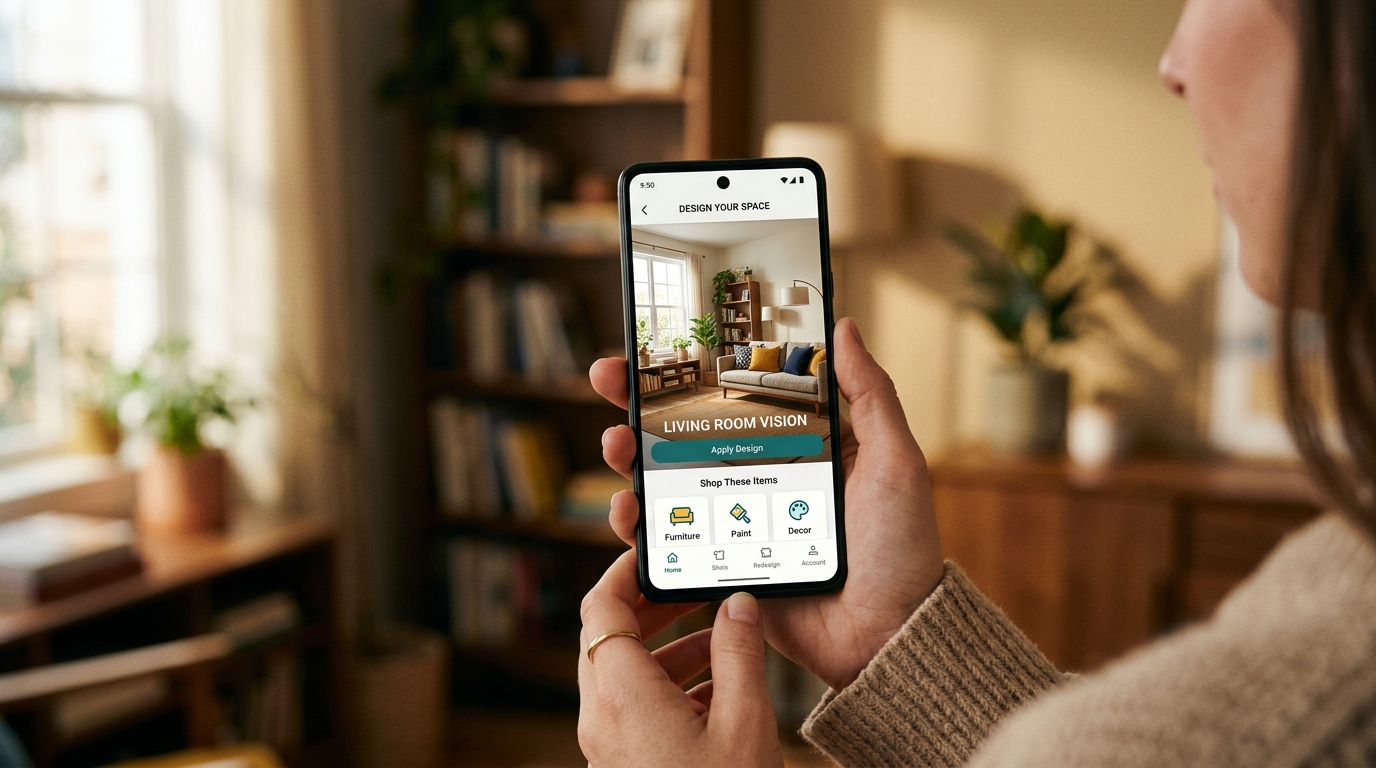
AI Room Design Free From a Photo — No Login Required
Try AI room design free from a photo without creating an account. See what a real no-login room redesign includes, how photos are handled, and what paid plans cost.
Read guide →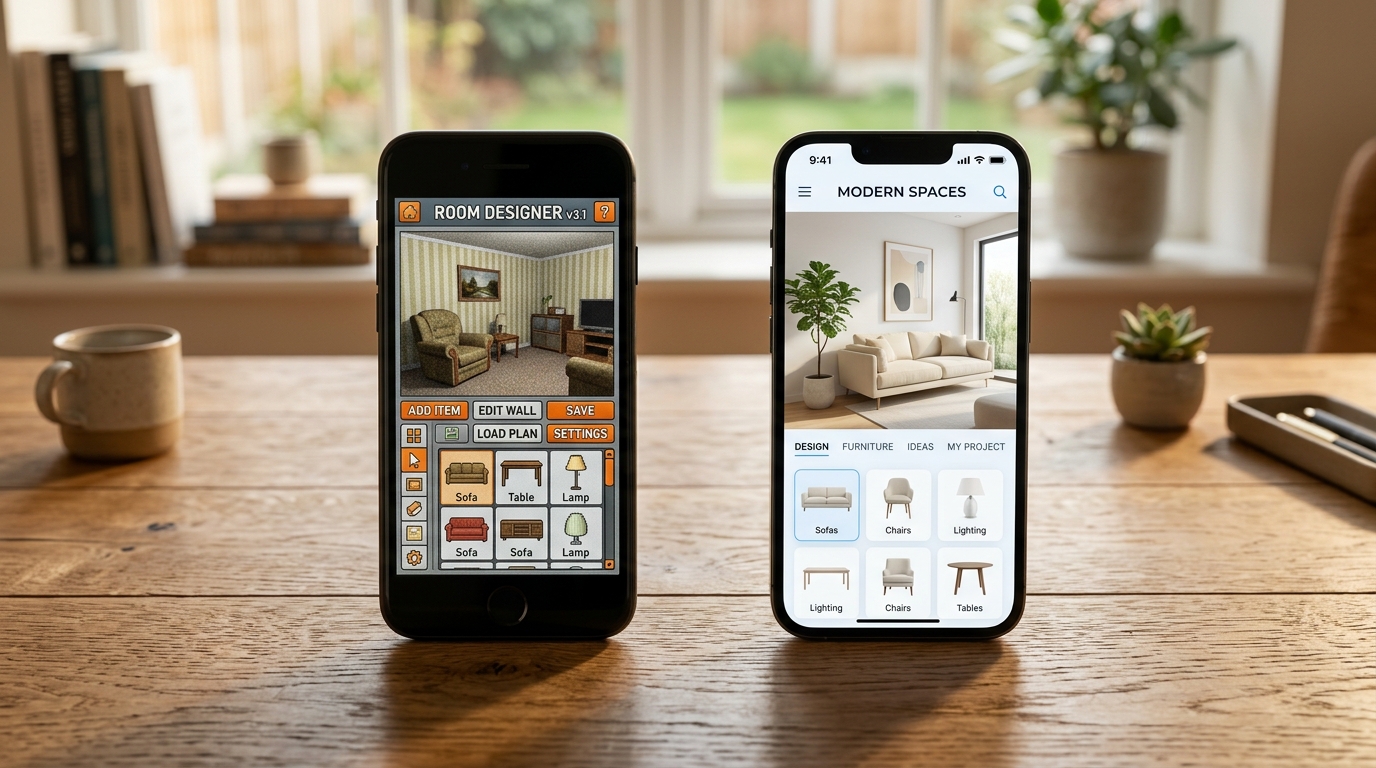
HomeGPT Alternative (2026): What's Free, What It Does & When to Switch
HomeGPT is a free exterior design tool, not an interior planner. Here's what it's good at, where it falls short, and the real alternatives for redesigning a room.
Read guide →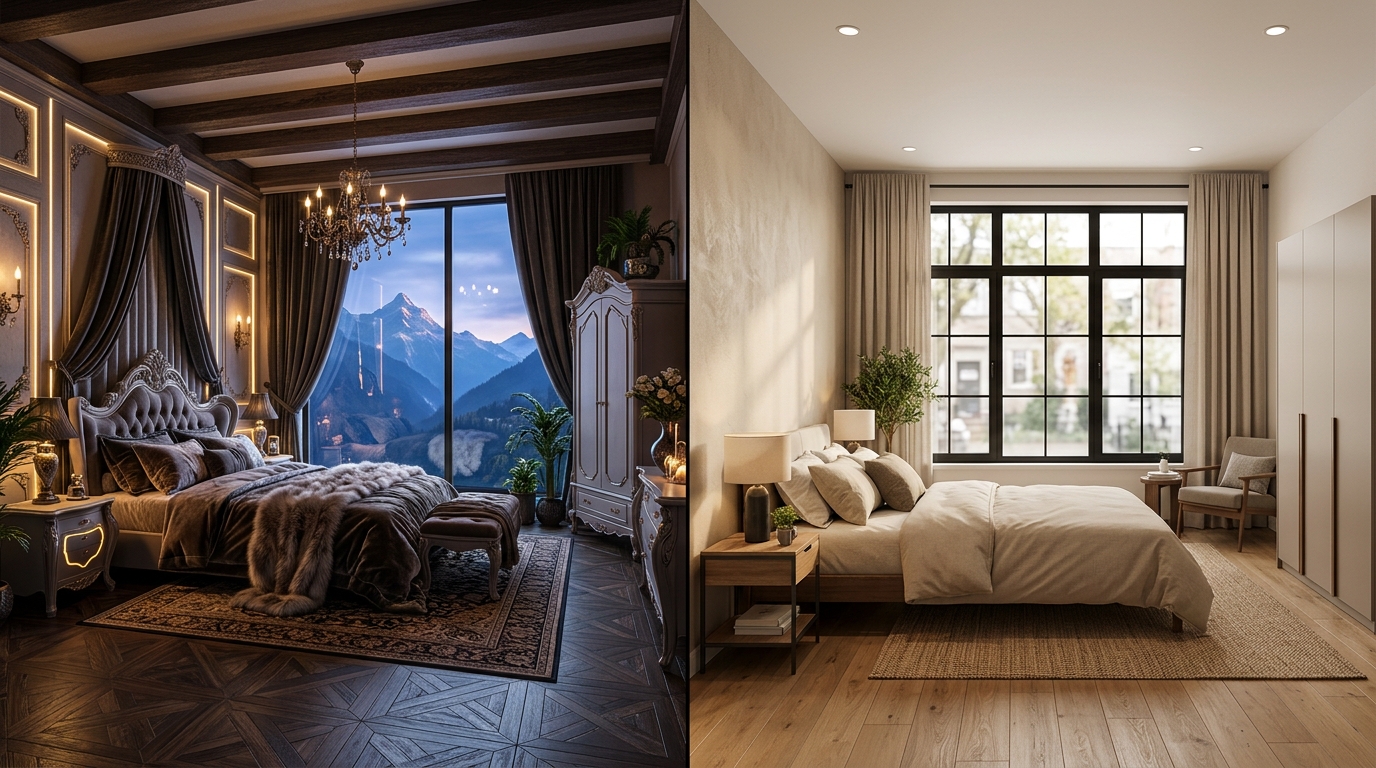
Interior AI Alternative (2026): Pricing & Tools That Keep Your Real Room
Interior AI pricing verified as of July 2026, plus alternatives that actually keep your walls, windows, and furniture intact.
Read guide →
RoomGPT Alternative (2026): Free Tier, Pricing & Better Options
Is RoomGPT free? Only for one generation. Here's what it actually costs, what it does well, and which RoomGPT alternative fits if you need more than one try.
Read guide →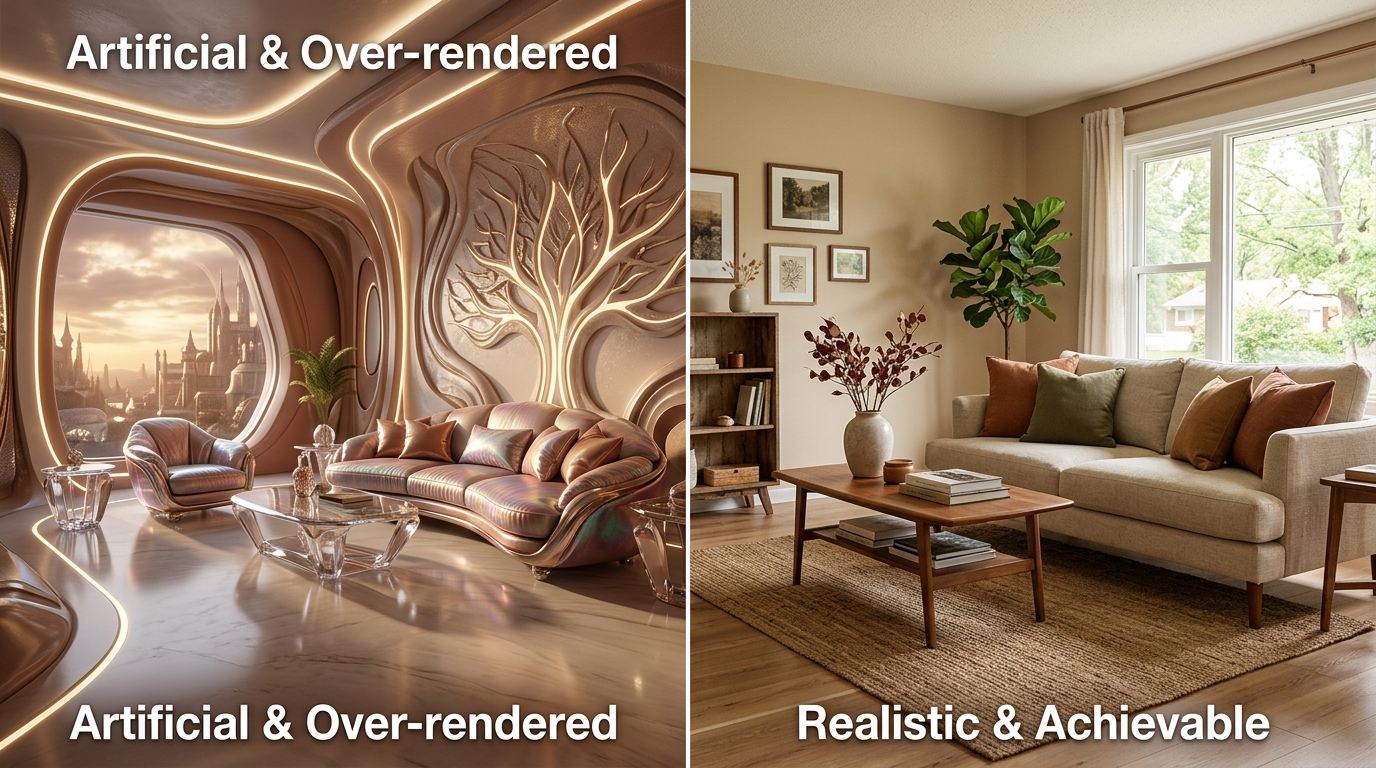
Spacely AI Alternative: Free Room Photo Demo (2026)
Compare Spacely AI pricing and credits with Roomcast, then test a free room-photo redesign with no signup and visible before-and-after proof.
Read guide →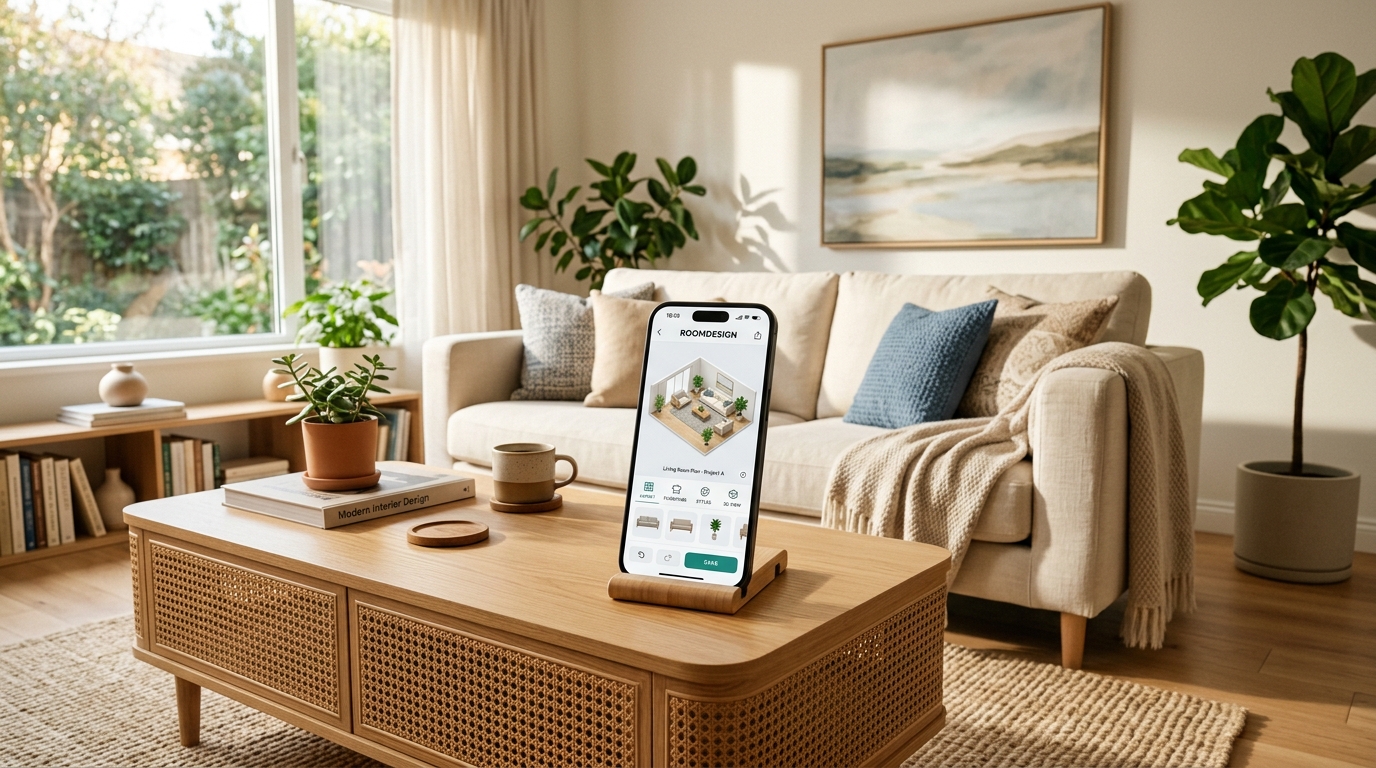
Free AI Interior Design Apps: What "Free" Actually Gets You
Most AI interior design apps advertise a free tier. Here's what's actually free, what the common catches are, and how to avoid paying for something you thought was free.
Read guide →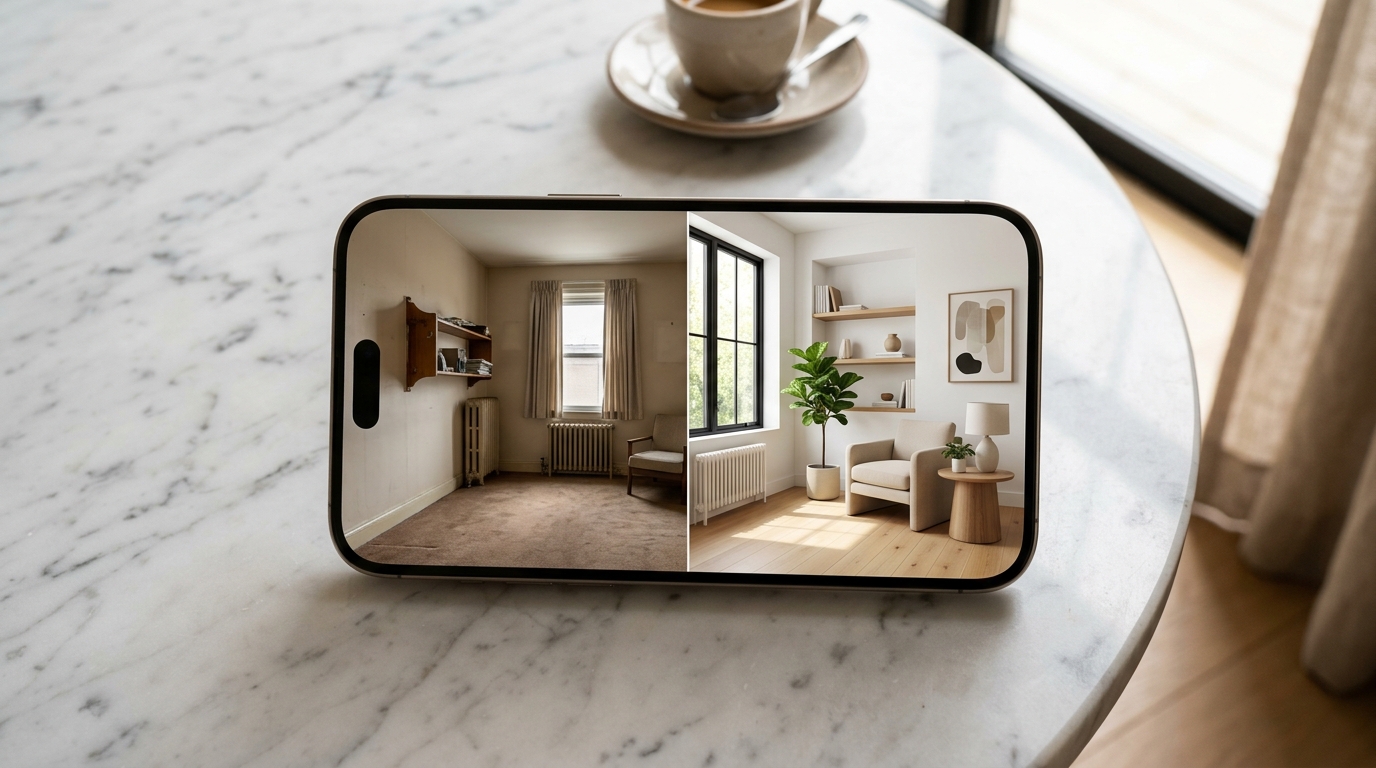
AI Room Design App: What It Is and How to Pick One
AI room design apps turn a photo of your space into a redesigned version in seconds. Here's how they work, what to check before you pay, and how to pick one that redesigns your actual room.
Read guide →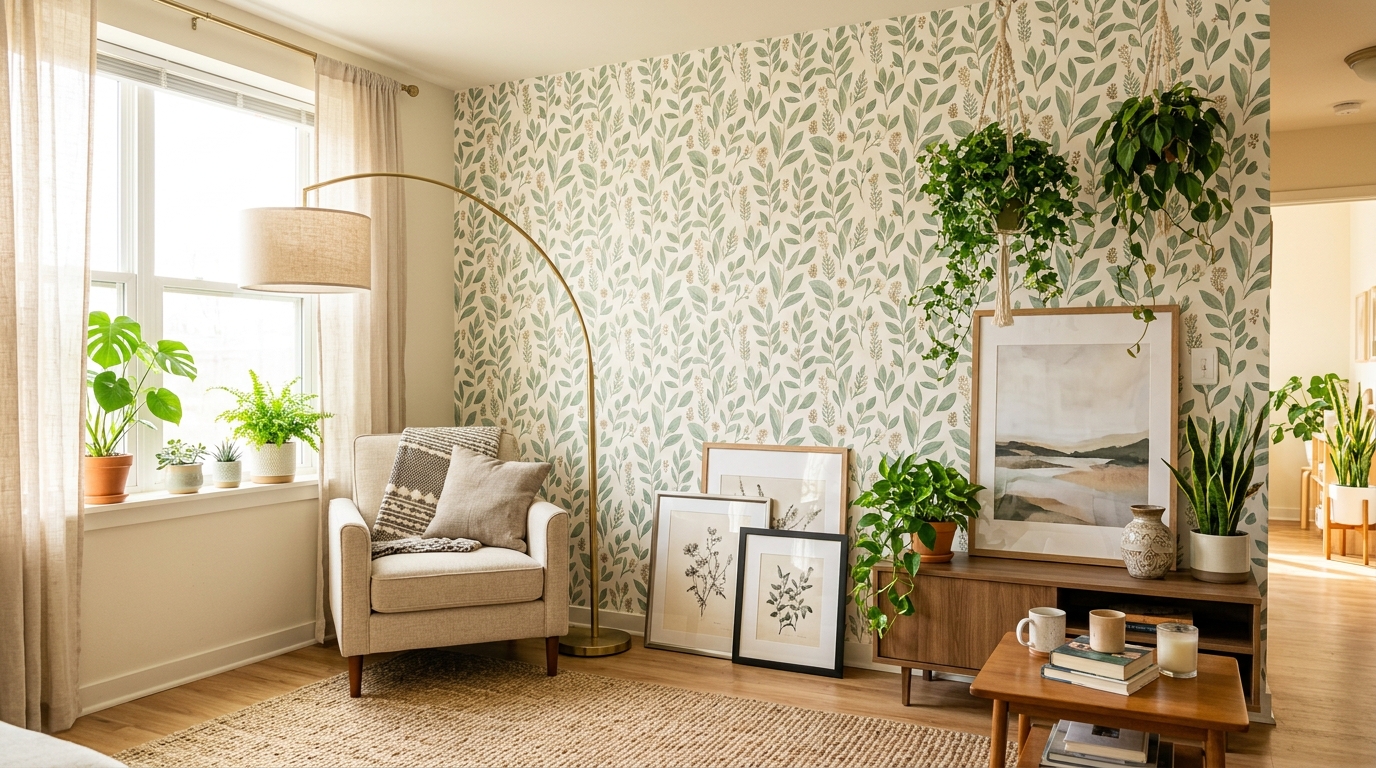
Interior Design App for Renters: Redesign Without Losing Your Deposit
Renters can't paint over a lease or drill into walls without permission. Here's how to use an interior design app to plan a redesign that's actually reversible.
Read guide →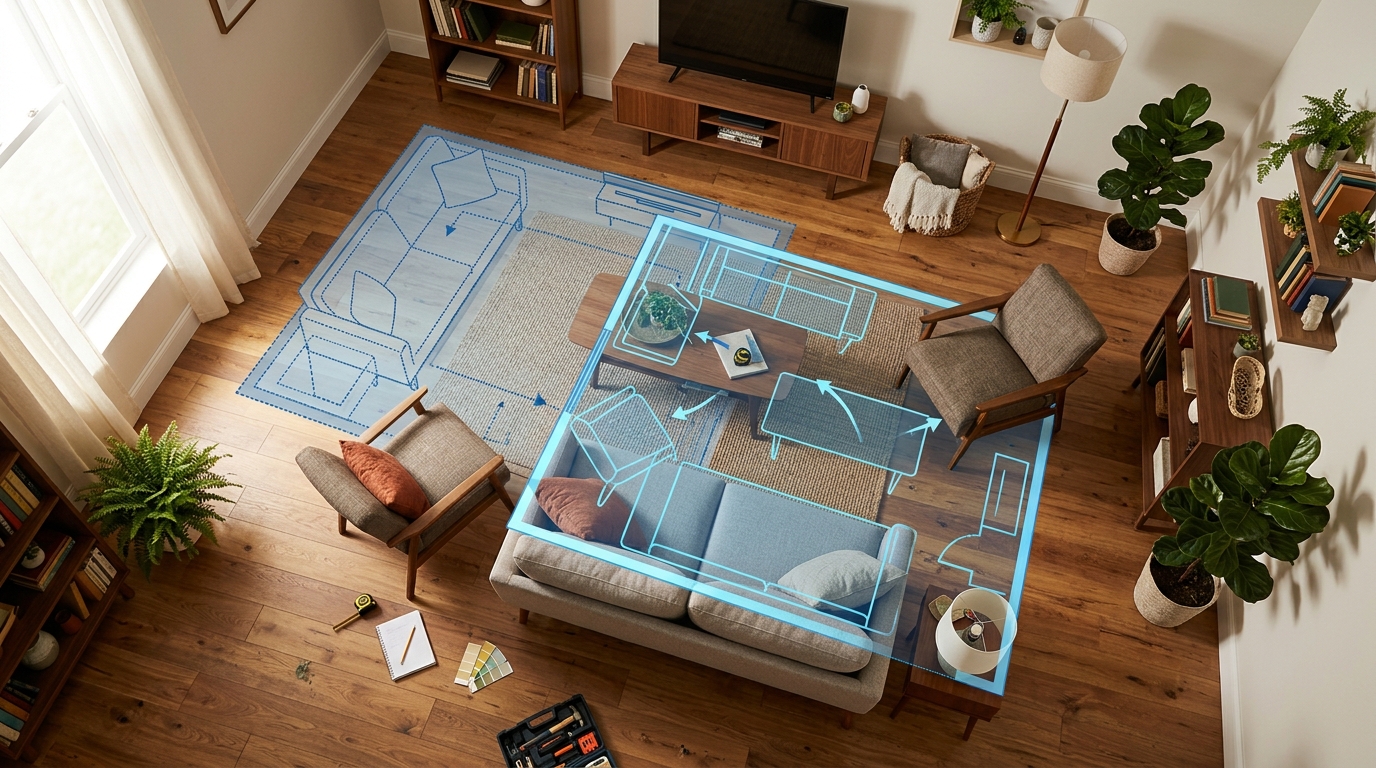
Rearrange Furniture App: Test a Layout Before Moving Anything
Compare measured floor-plan tools with fast AI room redesign, see a real Roomcast before and after, and choose the right workflow before moving furniture.
Read guide →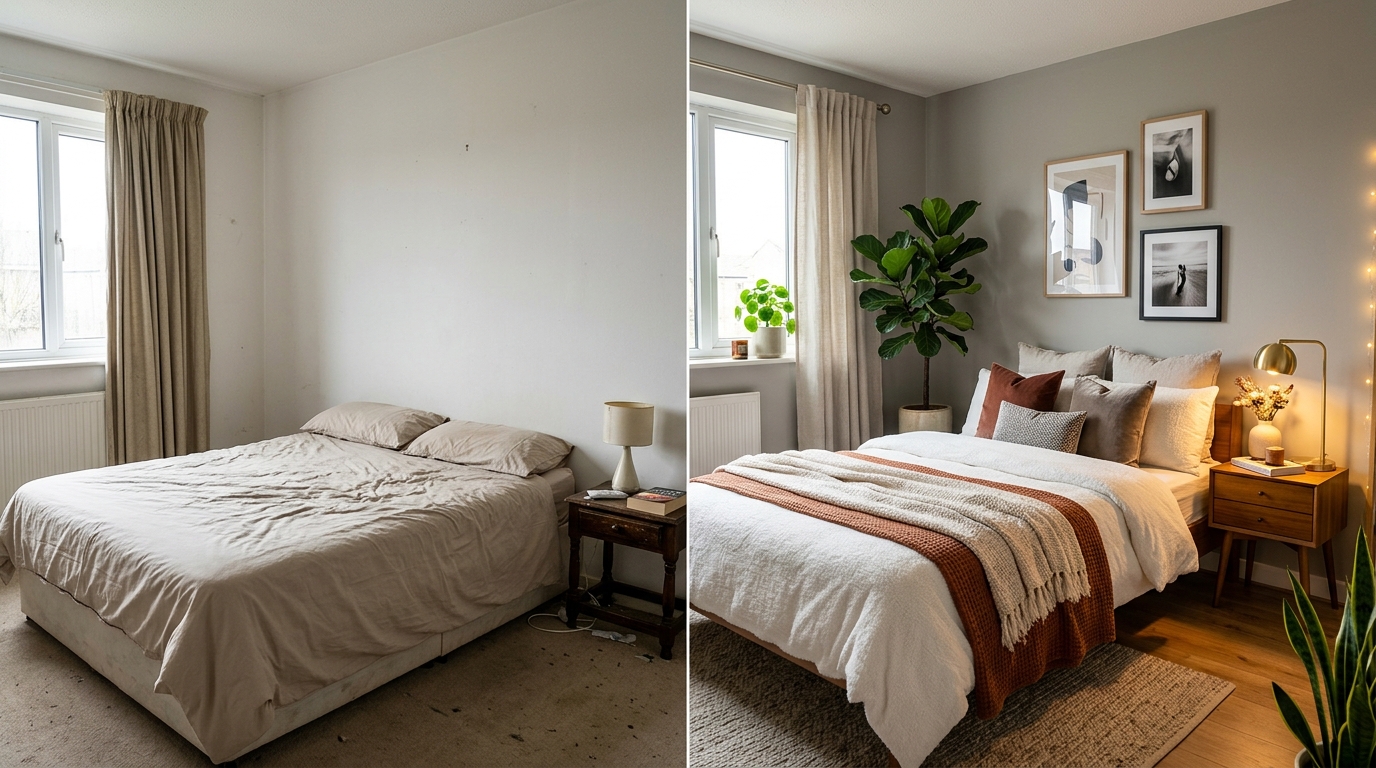
Room Makeover App From Photo: How Photo-Based Redesign Works
Apps that redesign a room from a single photo are now common — here's how the photo-to-redesign process works, what makes results realistic, and how to get a usable makeover instead of a fantasy render.
Read guide →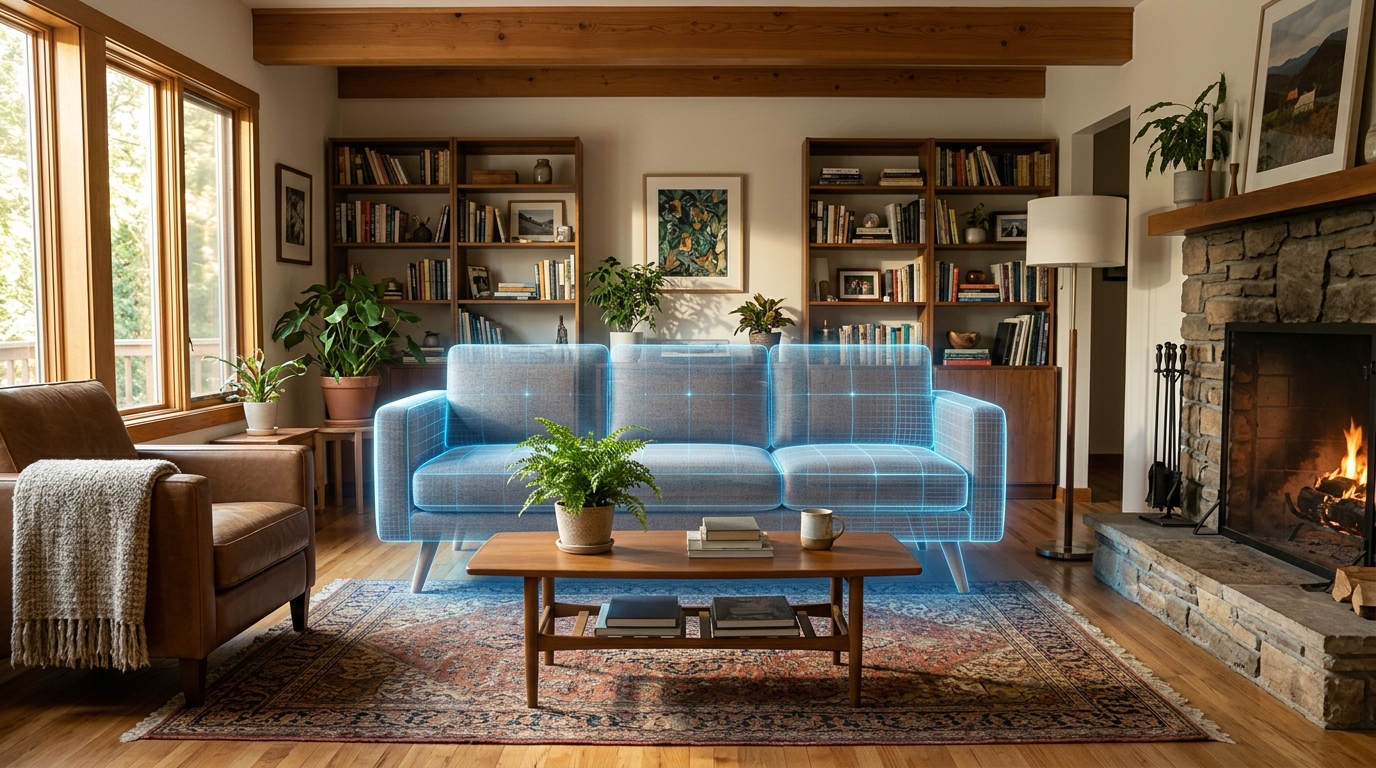
See Furniture in My Room App: AR vs AI Photo Tools
Two different technologies let you preview furniture in your space before buying: AR camera apps and AI photo redesign. Here's how they differ and which fits your situation.
Read guide →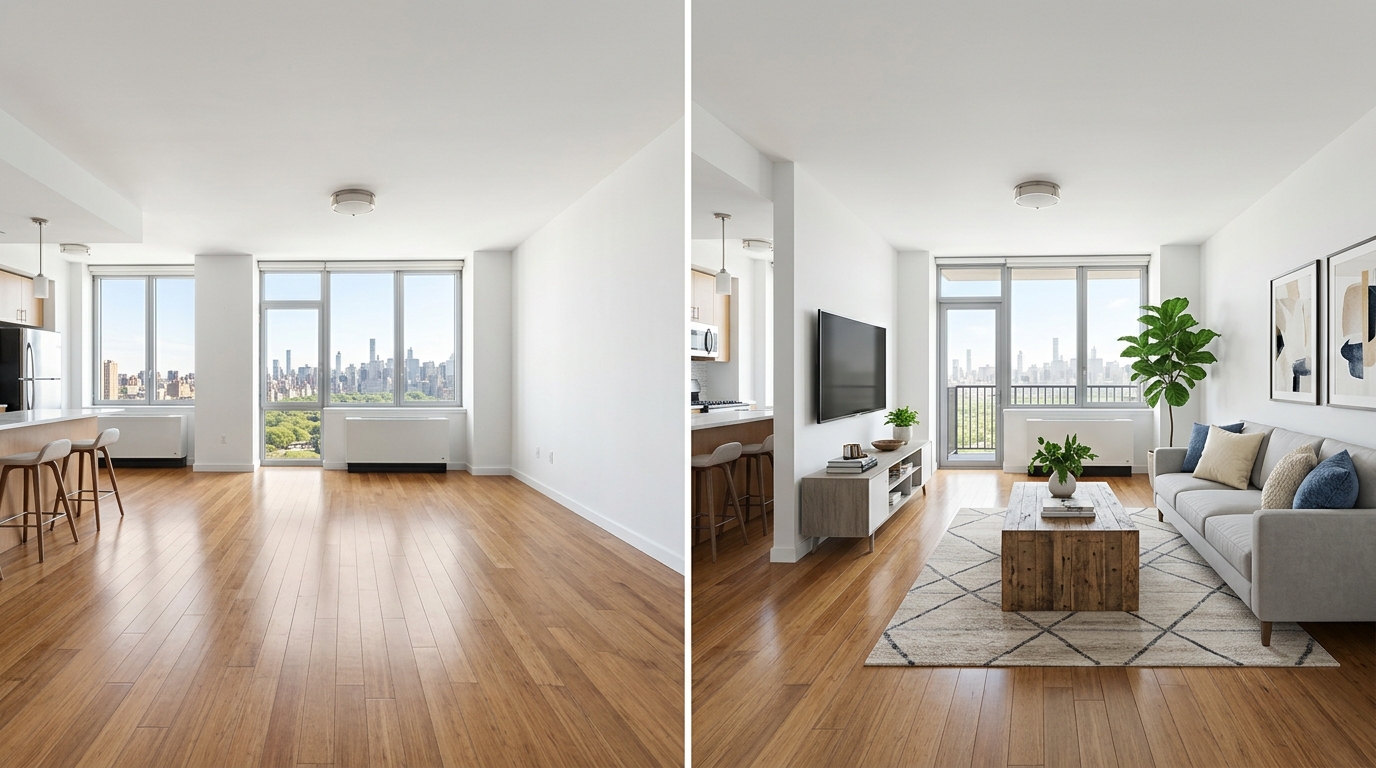
Virtual Staging App: Options for Homeowners and Renters
Virtual staging isn't just for real estate agents anymore. Here's how the category splits between professional per-image tools and consumer apps, and what each actually costs.
Read guide →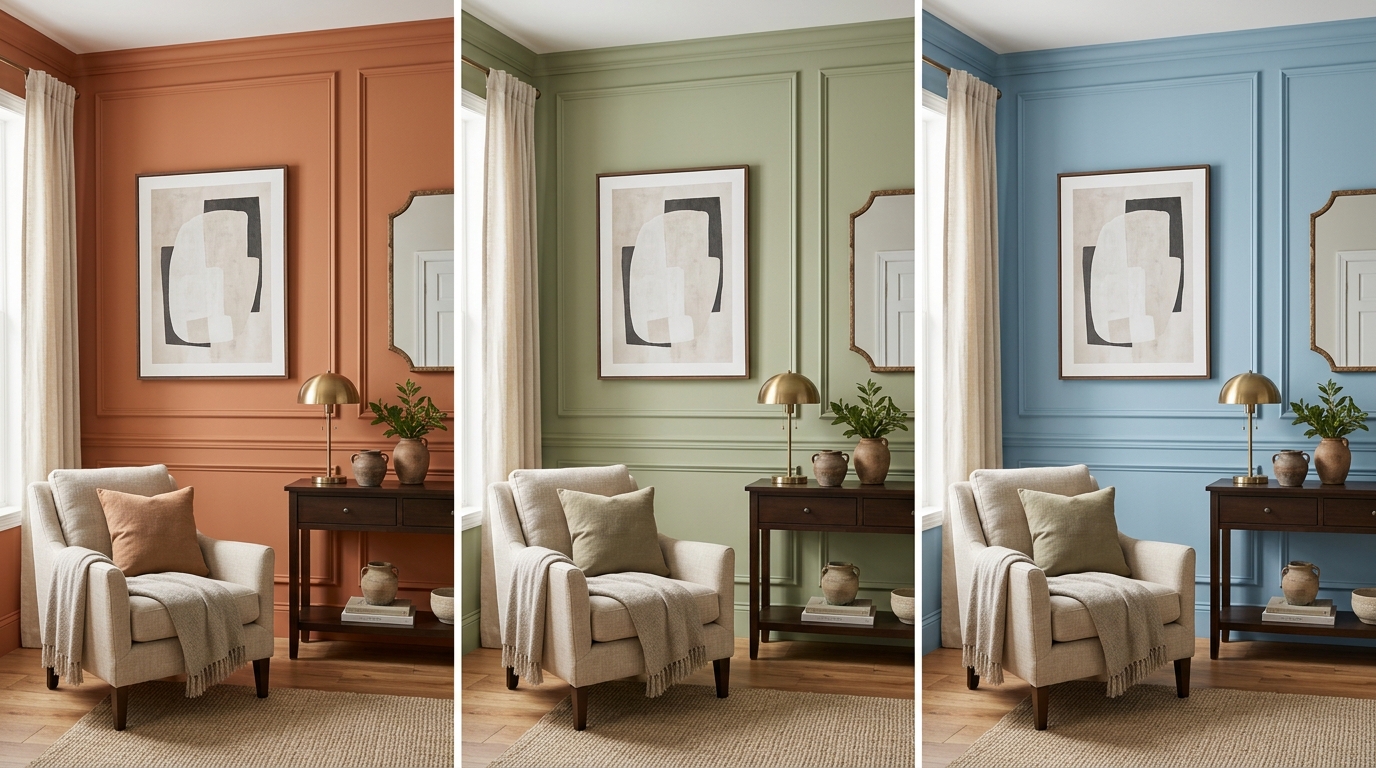
Visualize Paint Colors in Your Room With an App
See a paint color in your actual room before you buy a can. Here's how paint visualizer apps work, why brand-locked tools have limits, and how an AI photo redesign compares.
Read guide →