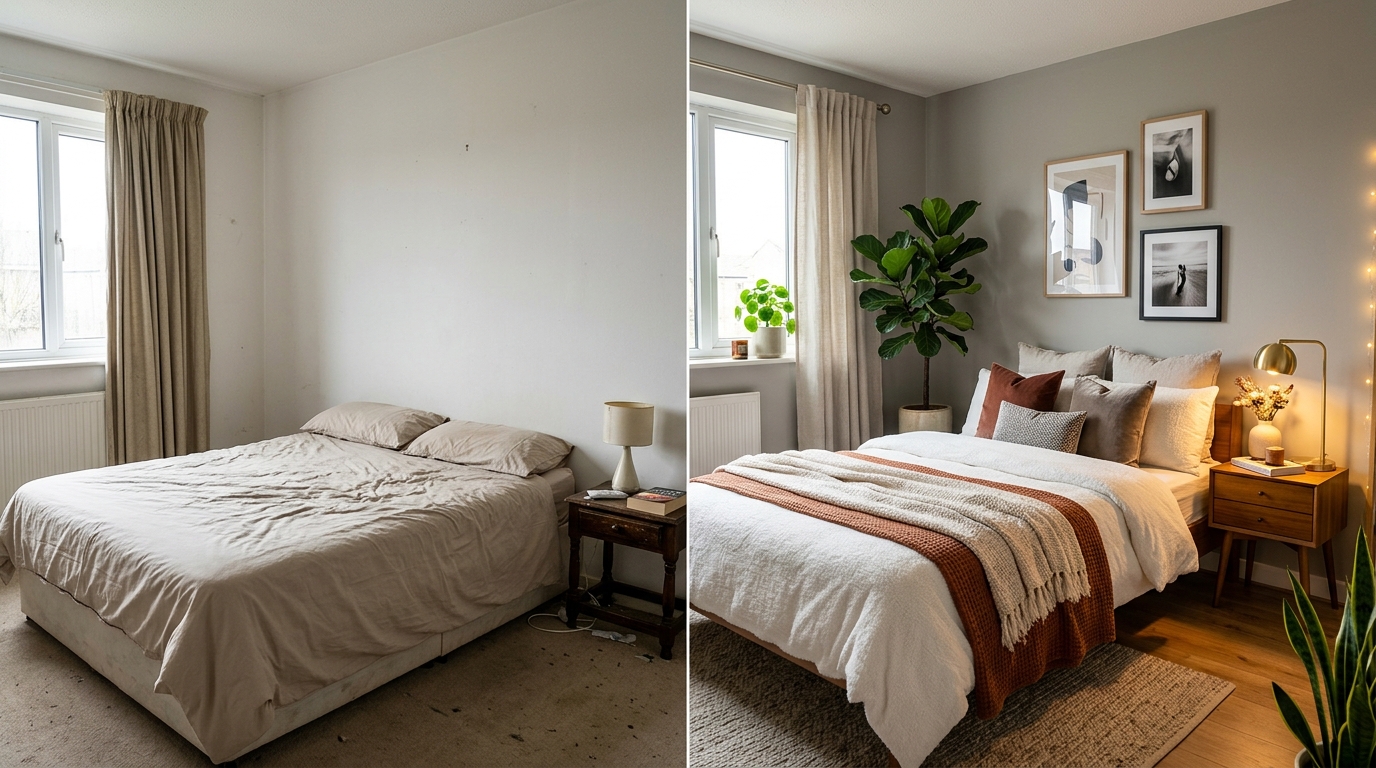
A real Roomcast before and after
Before
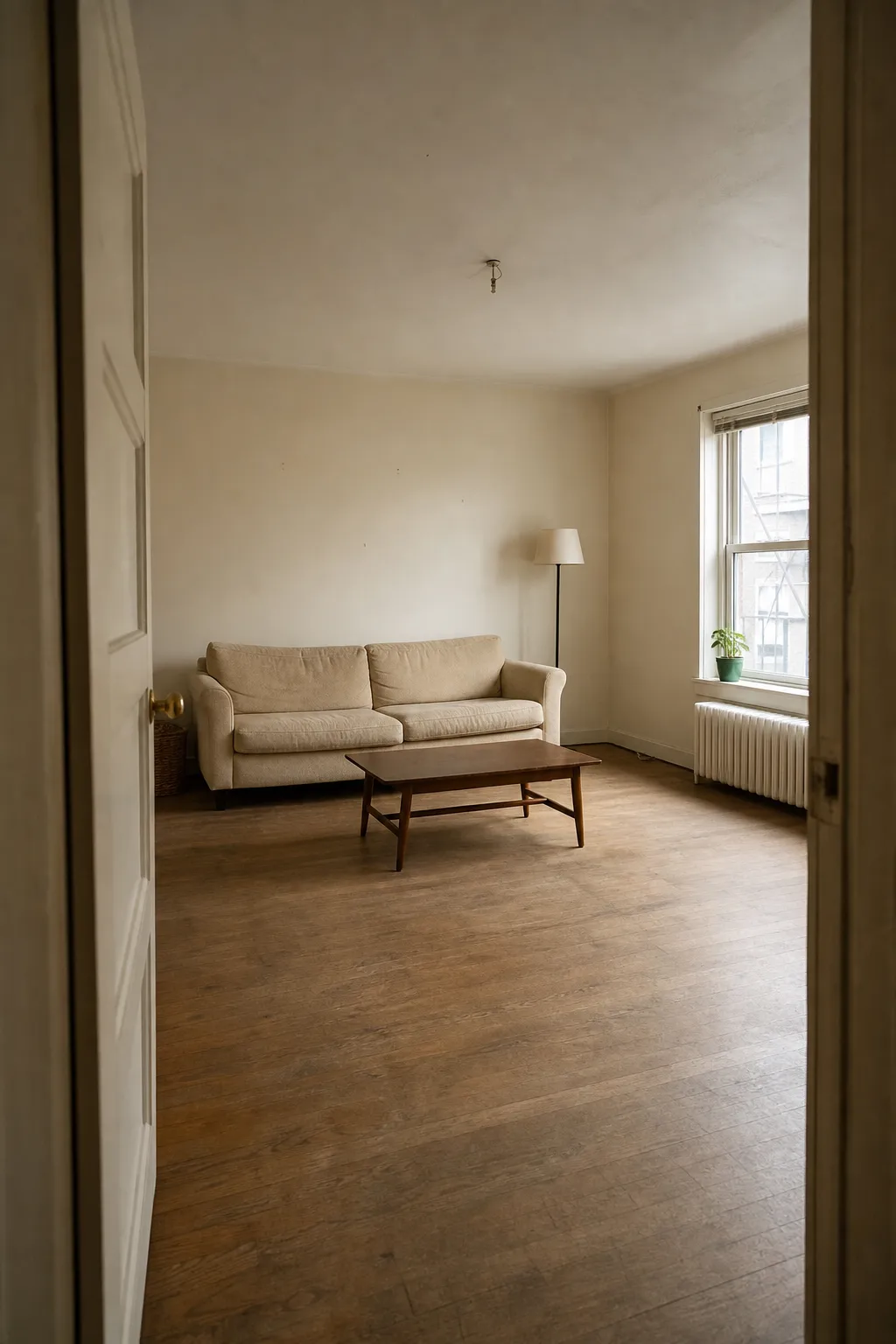
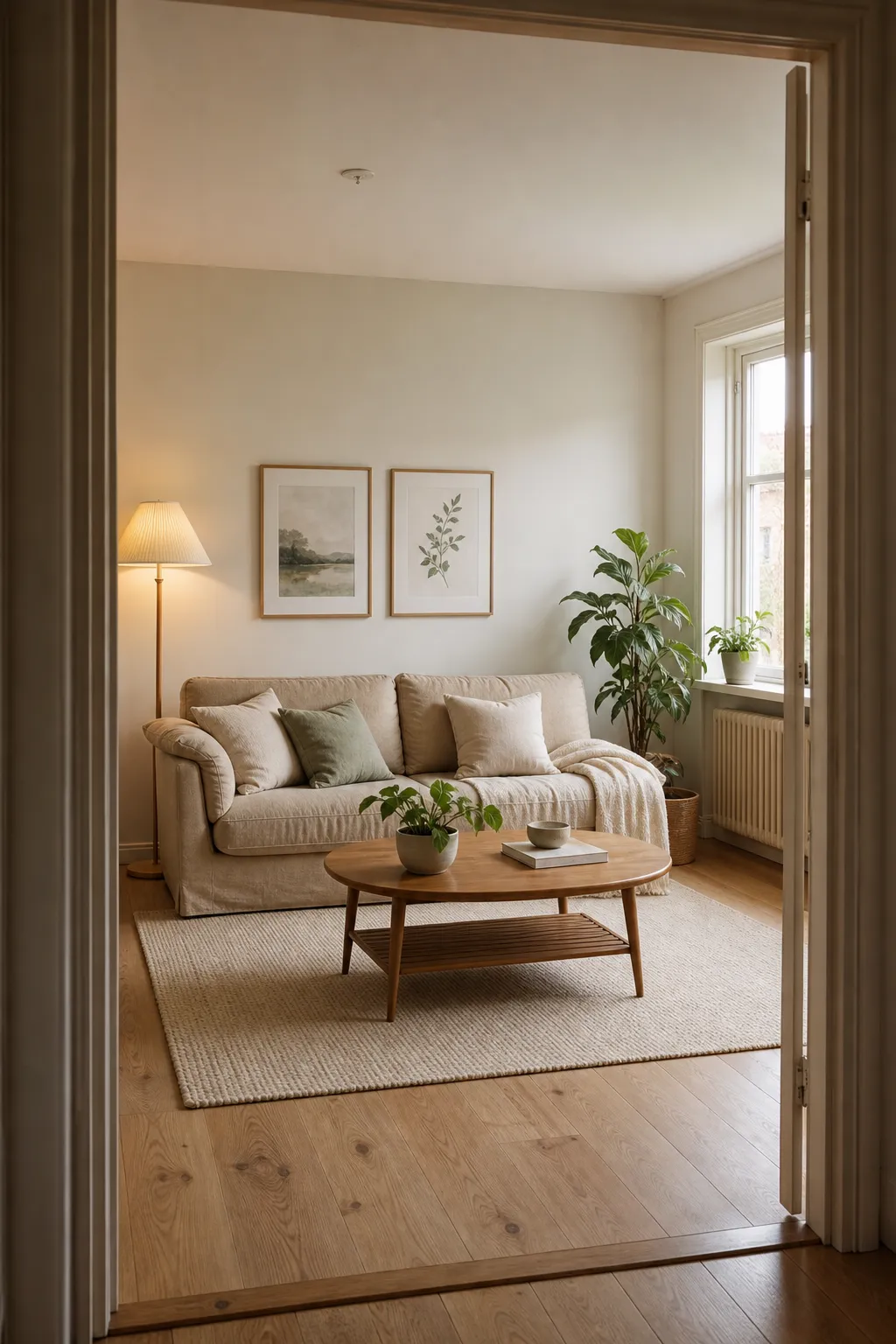
After: Scandinavian
The core promise of a “room makeover app from photo” is simple: take one picture, get back a redesigned version of that same room. No measuring, no floor plan, no 3D scan. That simplicity is exactly why the category has become popular — and also why results vary so much between apps.
See it in your own room for free
Upload a photo of your room, pick a style, and compare a redesign made with instructions to keep your room layout. No signup needed.
Redesign my room freeSee how Roomcast redesigns your actual roomOr get Roomcast on iPhone1 free watermarked preview a month. Premium on iPhone: $4.99/week with a 3-day free trial, $6.99/month, or $29.99/year with a 3-day free trial.
What actually happens after you upload a photo
- The photo is analyzed to identify structural elements: walls, windows, doors, ceiling, flooring, and any furniture already in the room.
- You select a style — the available options vary by app but commonly include Modern, Scandinavian, Coastal, Japandi, Mid-Century, and Boho.
- An image-generation model produces a new version of your photo, informed by the style you picked. This typically takes seconds to a couple of minutes depending on the app and model used.
- You get a before/after comparison so you can see exactly what changed.
The technical term for the underlying process is usually image-to-image generation with structural conditioning — the AI model is shown your original photo and asked to produce a new image that’s visually similar in structure but different in style. How strictly the app enforces “similar in structure” is the single biggest driver of whether your makeover looks like your room or a stock photo.
Getting a good photo in
A few practical habits noticeably improve results:
- Shoot in daylight or with the room lights on — dim or backlit photos give the model less to work with and produce muddier results.
- Get the whole room in frame if you can, rather than a tight crop of one corner. Most apps redesign what’s visible in the photo; they can’t infer what’s outside the frame.
- A straight-on shot from a normal eye-level height works better than an extreme wide-angle or a photo taken from a doorway at an angle — heavy perspective distortion can confuse structural conditioning.
- You don’t need to tidy up first. Existing furniture and a bit of clutter don’t break the process — most apps are designed to redesign around what’s already there, not require an empty room.
Realistic vs. fantasy: the real difference between apps
This is the split that matters most in the category. Two apps can both call themselves “photo-based room makeover” and produce very different results:
- Realistic redesign: your windows, doors, wall layout, and existing furniture stay in the same place. Only the style — colors, textures, decor, furniture pieces — changes. You could plausibly recreate this look by buying and rearranging things.
- Fantasy render: the model treats your photo as loose inspiration. Window shapes change, ceiling height shifts, architectural features appear or disappear. The result looks great as a mood board image but has little to do with your actual room.
If you’re trying to plan a real makeover — deciding on paint, picking furniture, showing a landlord or partner what you have in mind — you want the first kind. If you just want inspiration images, the second kind can look more dramatic, but treat it as a mood board, not a plan.
How Roomcast handles this
Roomcast lets you control how far the redesign goes. Keep room layout asks the model to preserve the room structure and furniture placement while restyling it. Creative redesign keeps the same room and camera angle but may rearrange or replace freestanding furniture. The result is a before/after you can hold up against your real space and use as a styling reference, not an exact product catalog.
See it in your own room for free
Upload a photo of your room, pick a style, and compare a redesign made with instructions to keep your room layout. No signup needed.
Redesign my room freeSee how Roomcast redesigns your actual roomOr get Roomcast on iPhone1 free watermarked preview a month. Premium on iPhone: $4.99/week with a 3-day free trial, $6.99/month, or $29.99/year with a 3-day free trial.
Related guides
- Testing whether a new layout is worth it? Rearrange my room app covers that specific use case.
- Comparing tools in the category? AI room design app: what it is and how to pick one.
- Only want to spend money if it’s worth it? Free AI interior design apps breaks down what “free” gets you.
- Tried a free web tool already? HomeGPT alternative compares it for interior work.
Bottom line
A photo-based makeover app only needs one picture to work, but the quality of that picture (lighting, framing) and, more importantly, whether the app preserves your room’s real structure, determine whether you get something usable or just a nice-looking image that isn’t actually your room.
See it in your own room for free
Upload a photo of your room, pick a style, and compare a redesign made with instructions to keep your room layout. No signup needed.
Redesign my room freeSee how Roomcast redesigns your actual roomOr get Roomcast on iPhone1 free watermarked preview a month. Premium on iPhone: $4.99/week with a 3-day free trial, $6.99/month, or $29.99/year with a 3-day free trial.
Keep exploring: room ideas, all Roomcast alternatives compared, or redesign your own room free.