AI Room Design
Redesign your real room — for real.
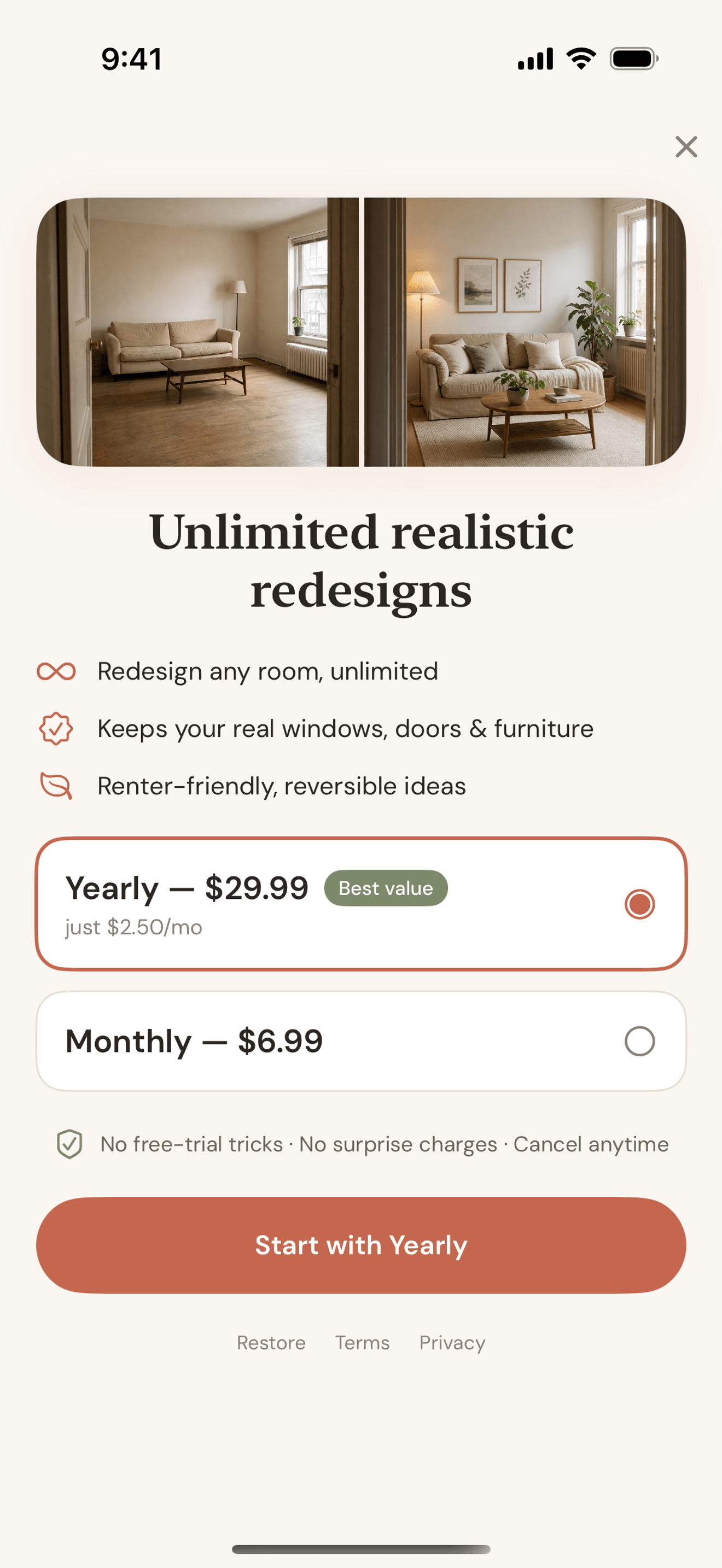
Snap a photo of your actual room and explore a realistic redesign. Allow about a minute; timing can vary. Keep your current layout or explore a more creative direction — then compare the result with your real space.
No signup to try · Premium $6.99/mo or $29.99/yr if you upgrade
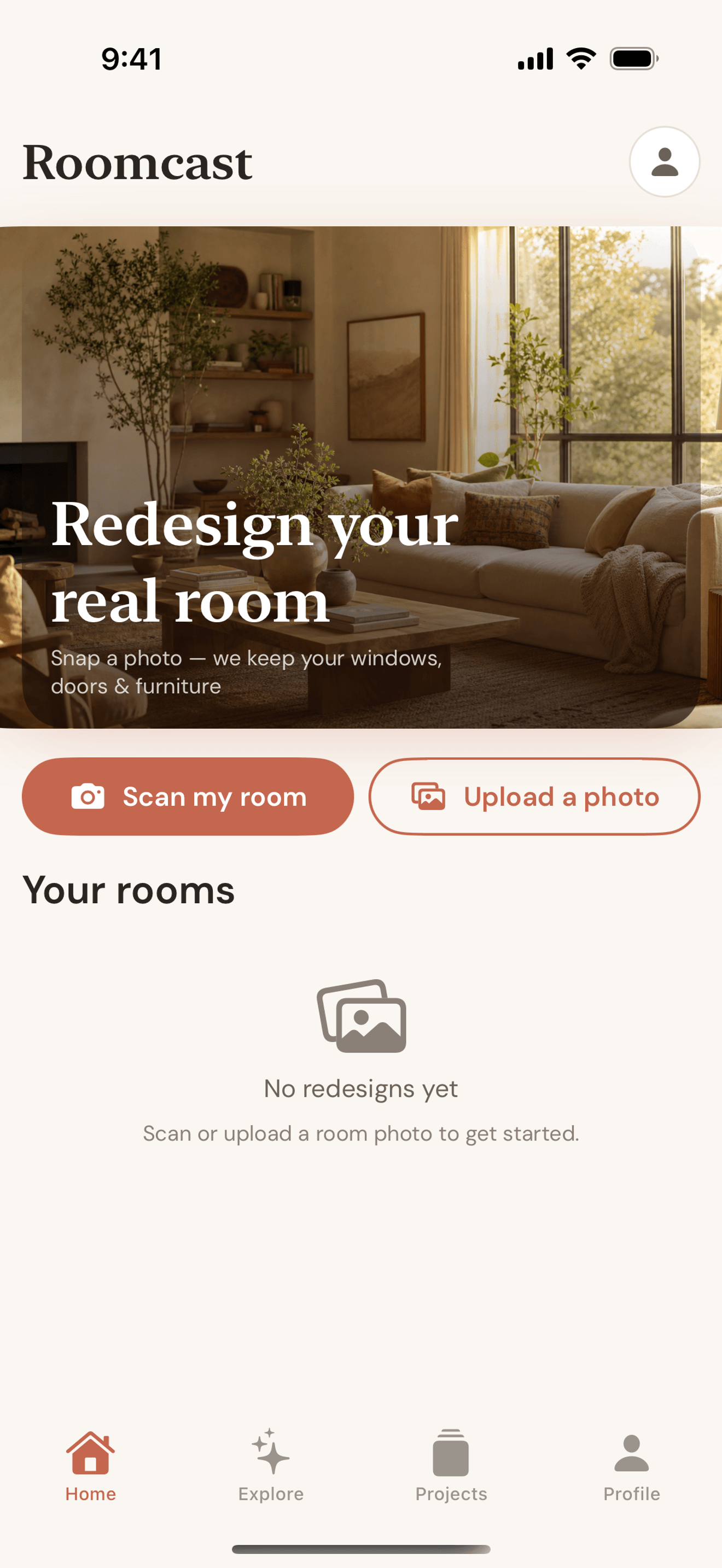
Available now on iPhone
Free to start. Allow about a minute for your first redesign; timing can vary.
Get Roomcast on the App StoreSee it in action
From your photo to a realistic redesign
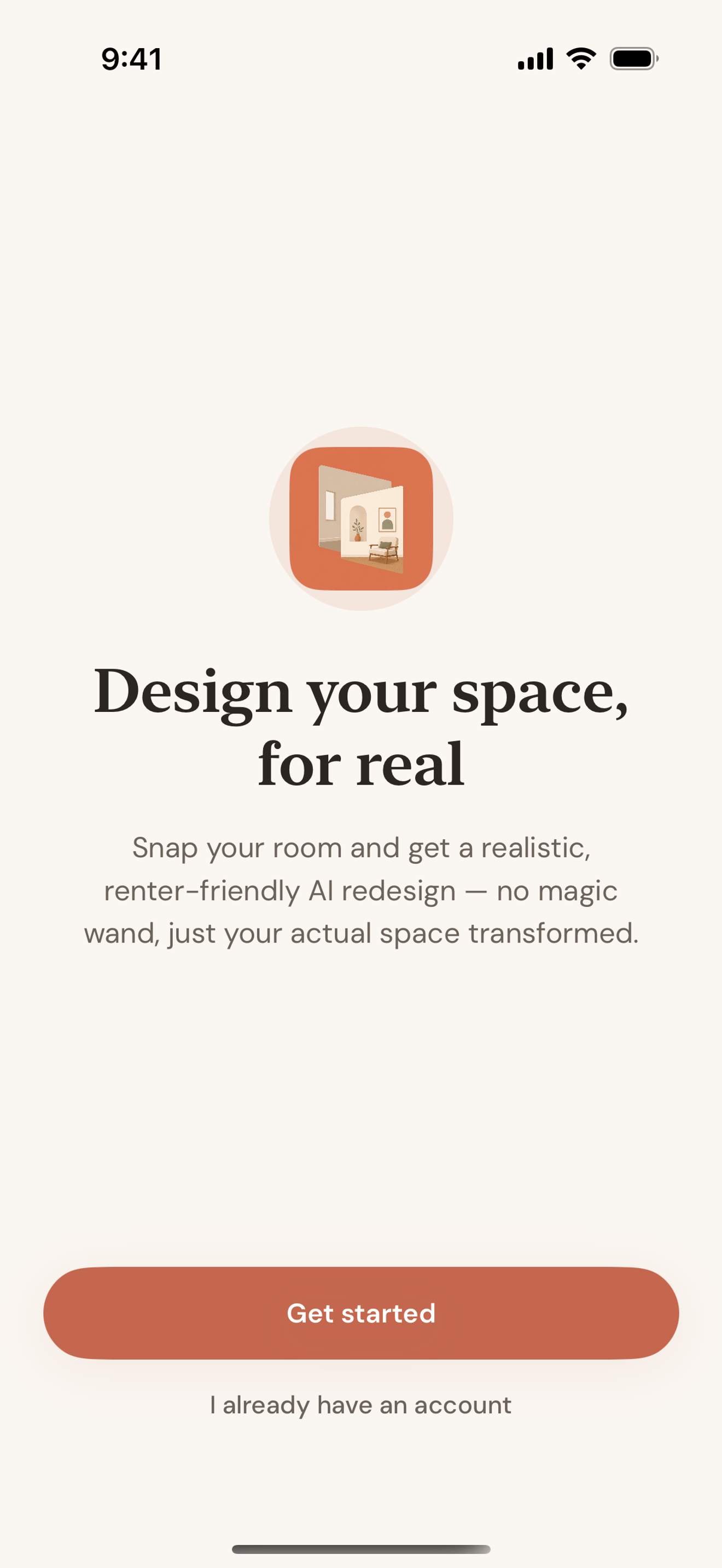
How it works
Three steps to a redesigned room
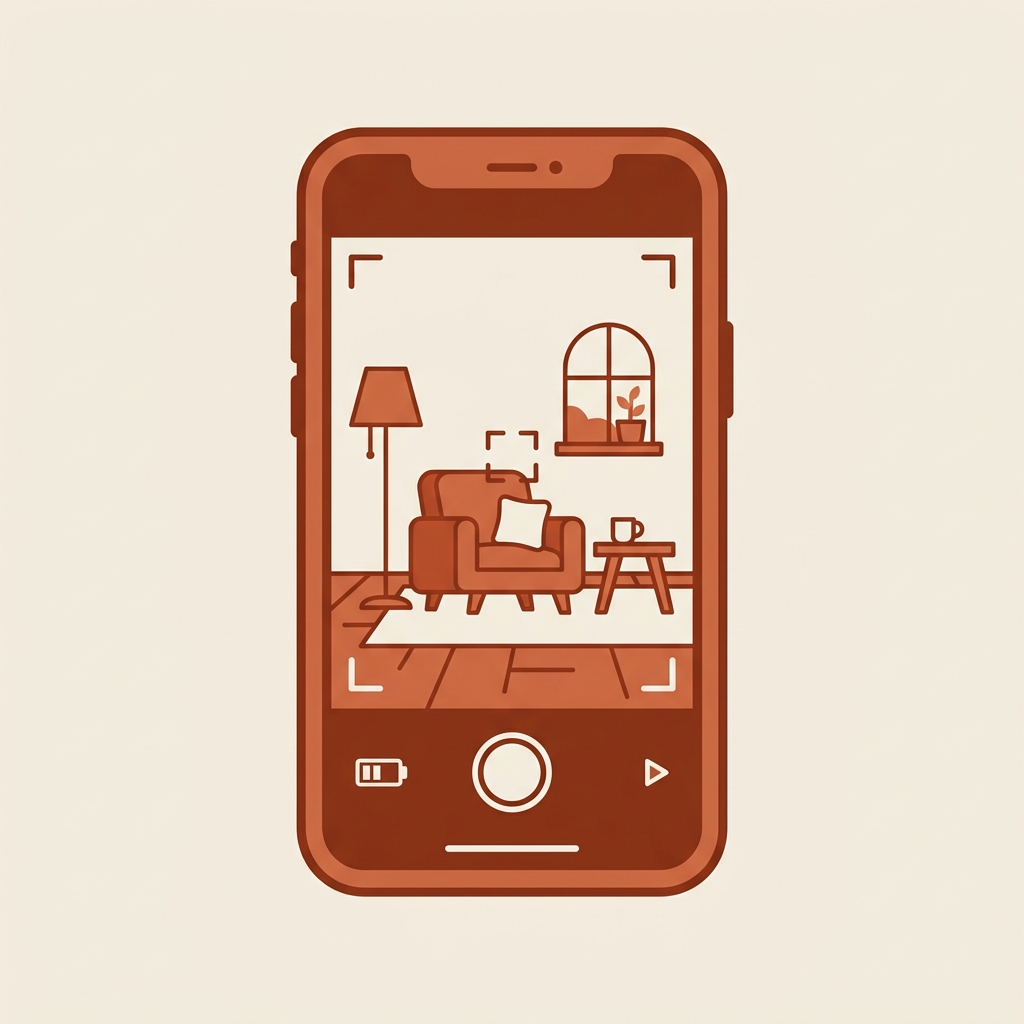
Snap your room
Take or upload a photo of the room you want to redesign — no measuring, no floor plan needed.

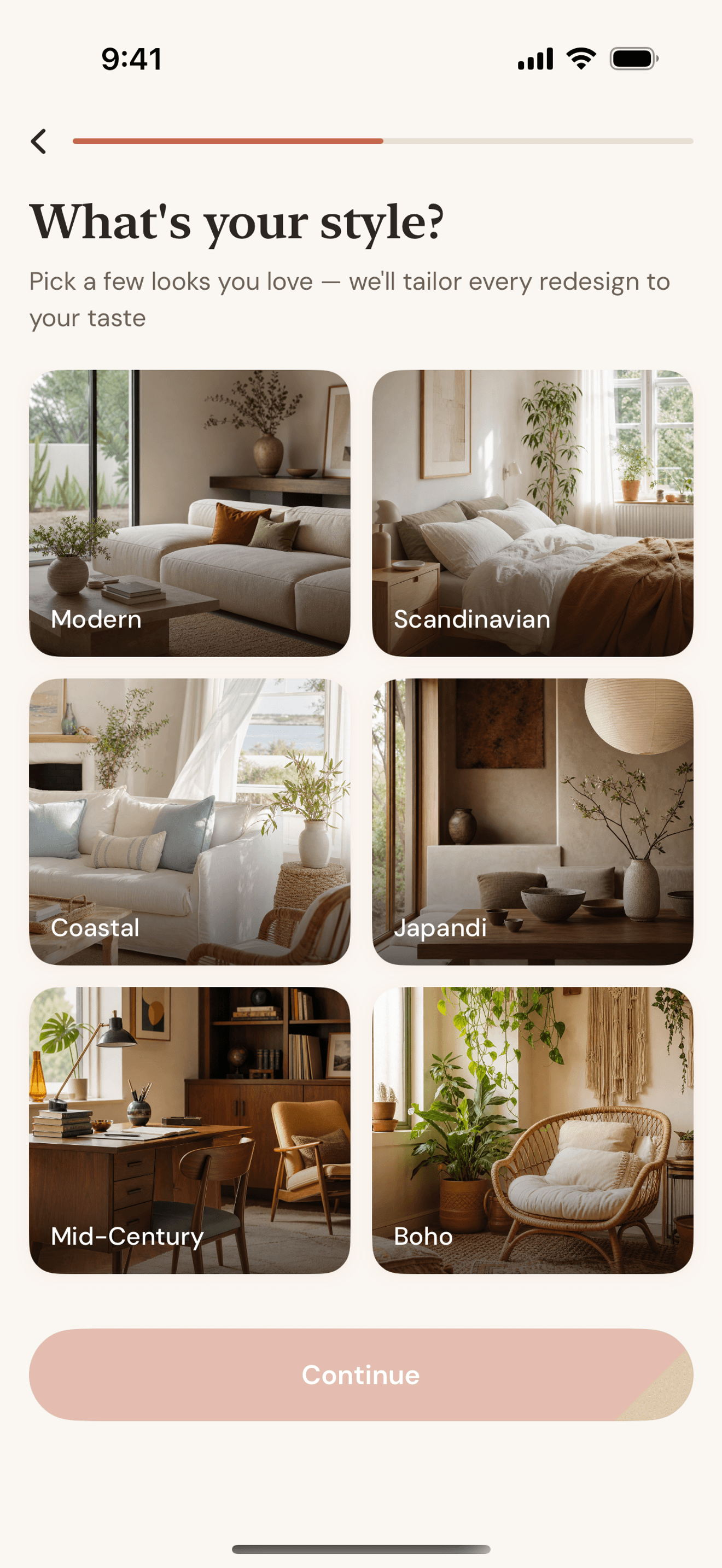
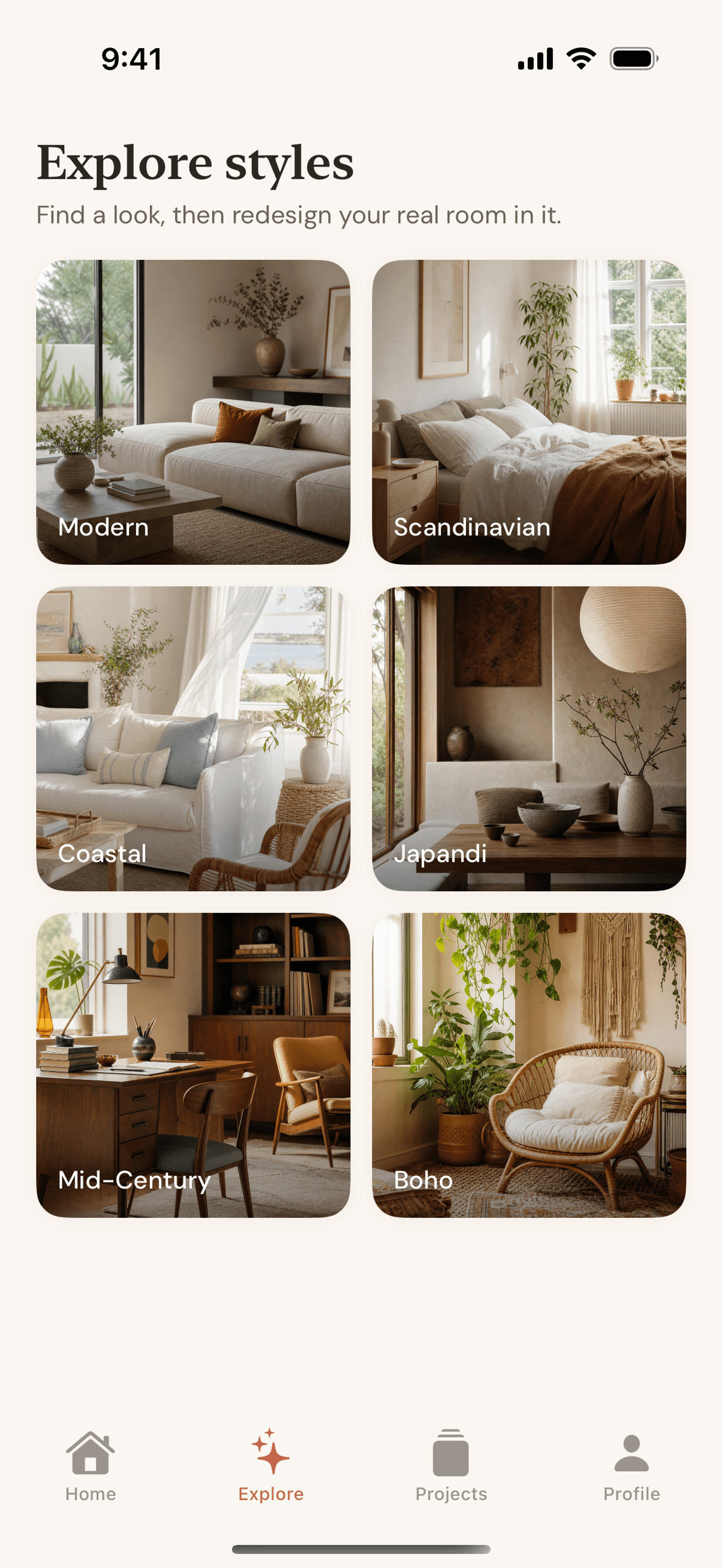
Pick a style
Choose from Modern, Scandinavian, Coastal, Japandi, Mid-Century, or Boho.
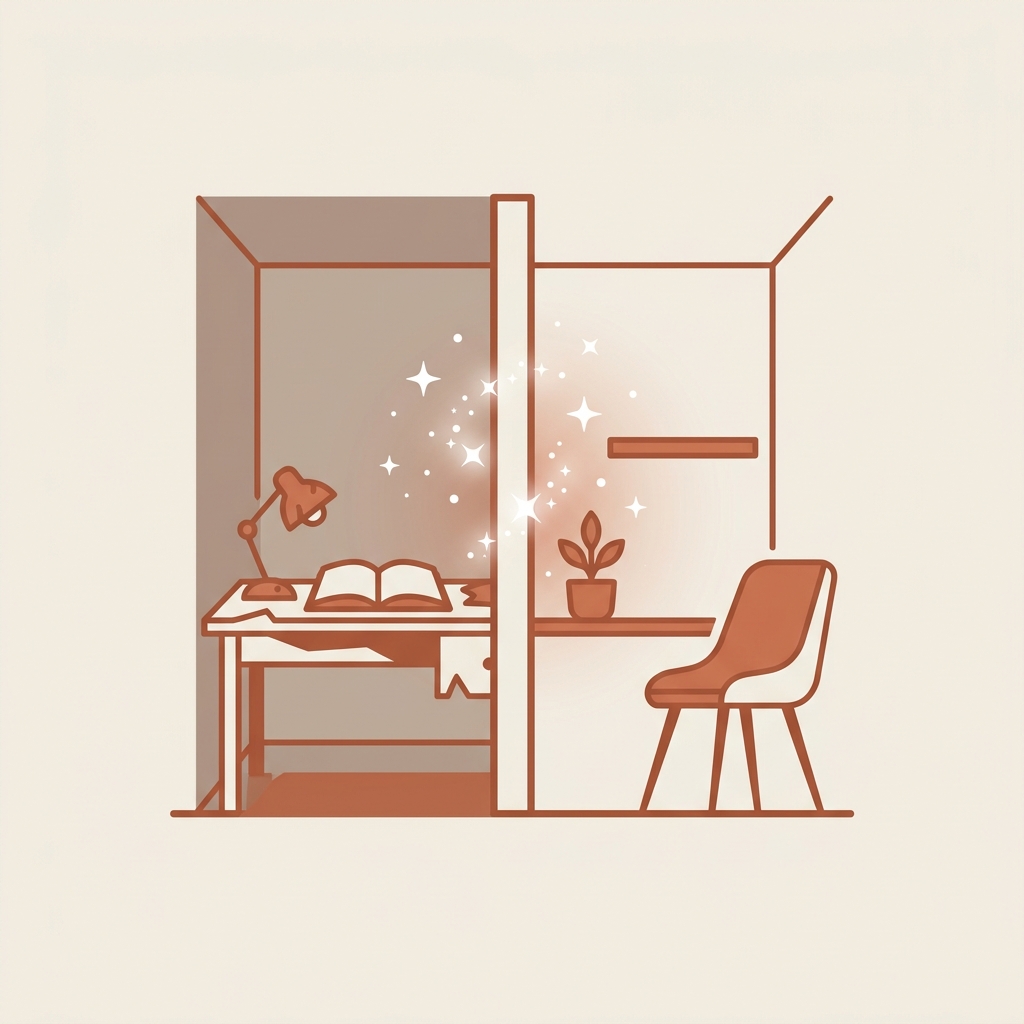
Get a realistic redesign
Choose Keep room layout for a grounded restyle or Creative redesign for a bolder direction, then compare the before and after.
Popular guides
What people search before they download a room design app
- rearrange my room app — test a layout before moving anything
- room makeover app from photo — how photo-based redesign actually works
- AI room design app — what it is and how to pick one
- free AI interior design apps — what "free" actually gets you
- HomeGPT alternative — what it does, and when to switch to an interior-focused tool
Guides
Honest answers before you download anything
We wrote these to help you pick the right tool — not just to sell you Roomcast.
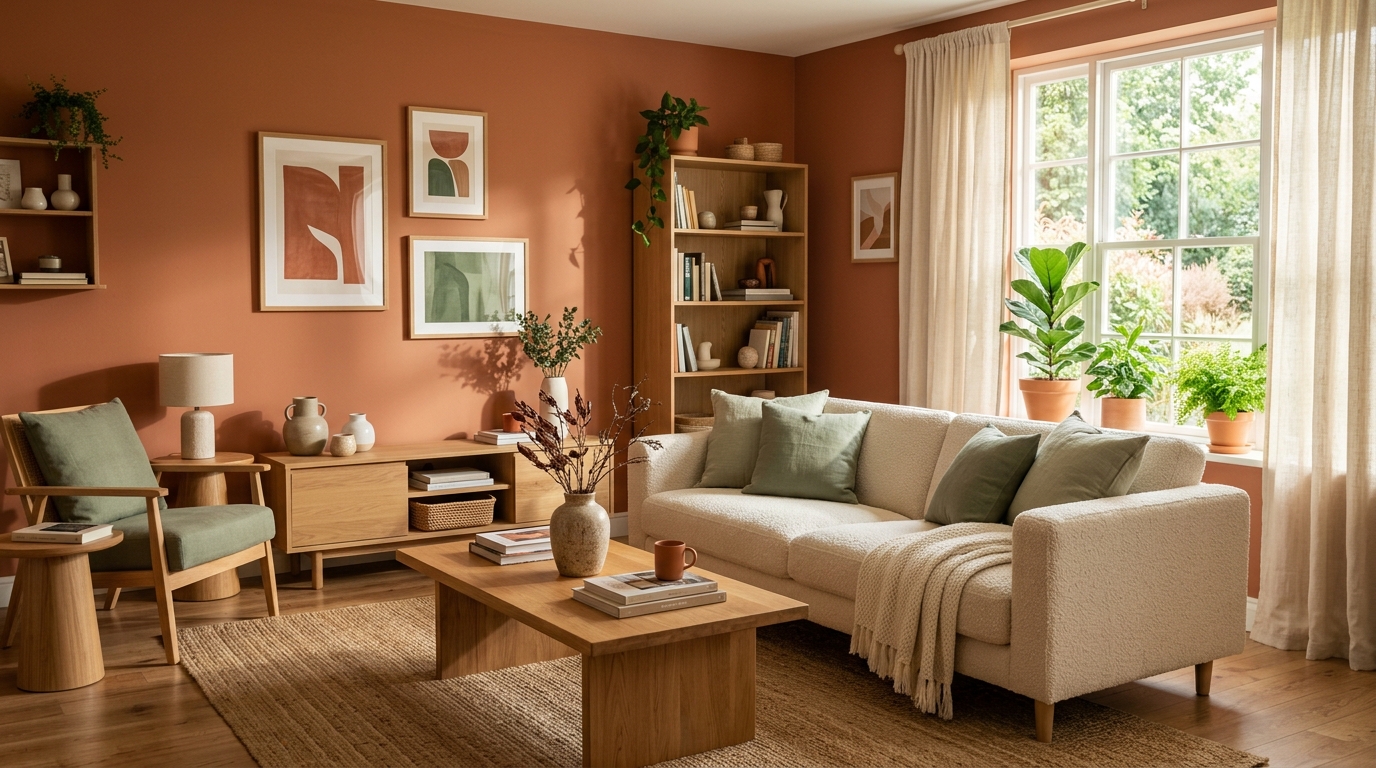
2026 Living Room Color Trends (and How to Try Them Without Repainting Yet)
The living room color directions gaining traction for 2026, and a lower-risk way to see how any of them would actually look in your real room before buying paint or furniture.
Read guide →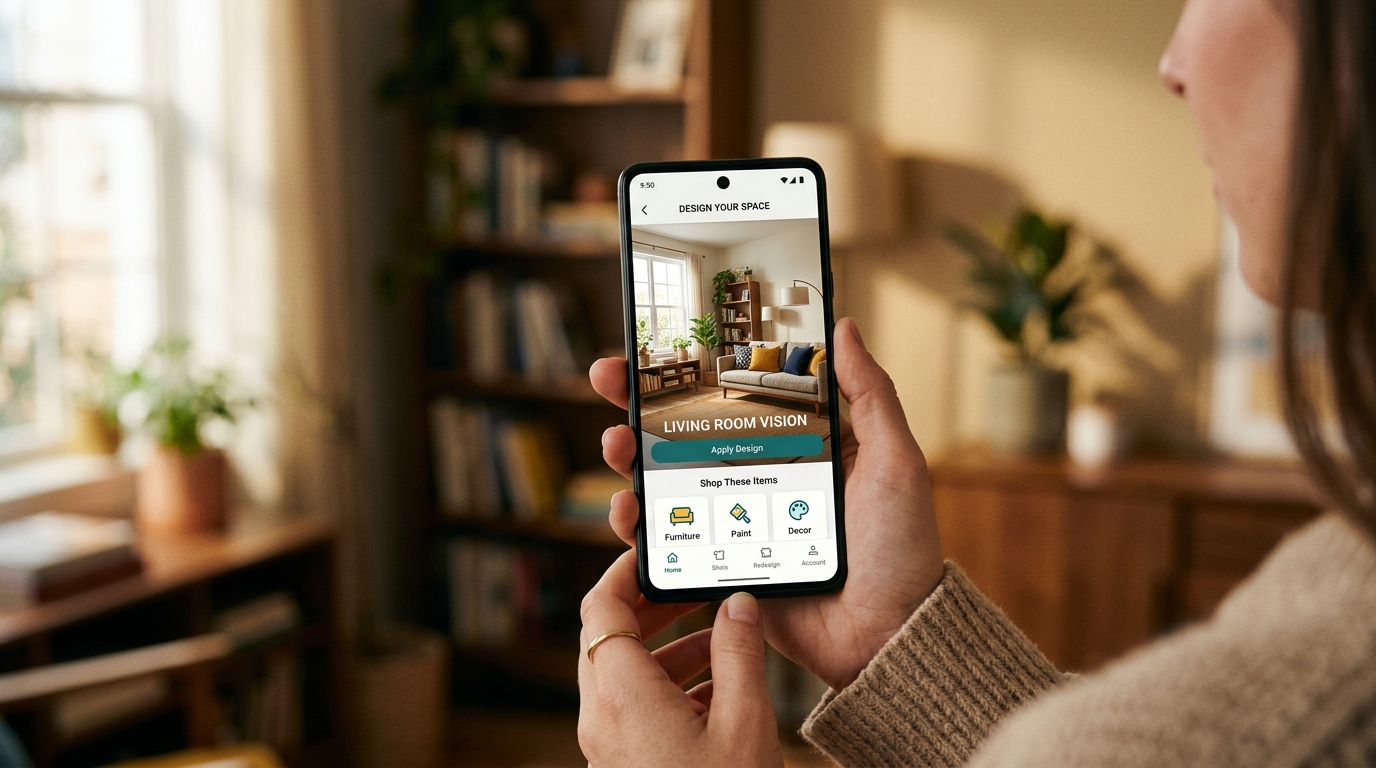
AI Room Design Free From a Photo — No Login Required
Try AI room design free from a photo without creating an account. See what a real no-login room redesign includes, how photos are handled, and what paid plans cost.
Read guide →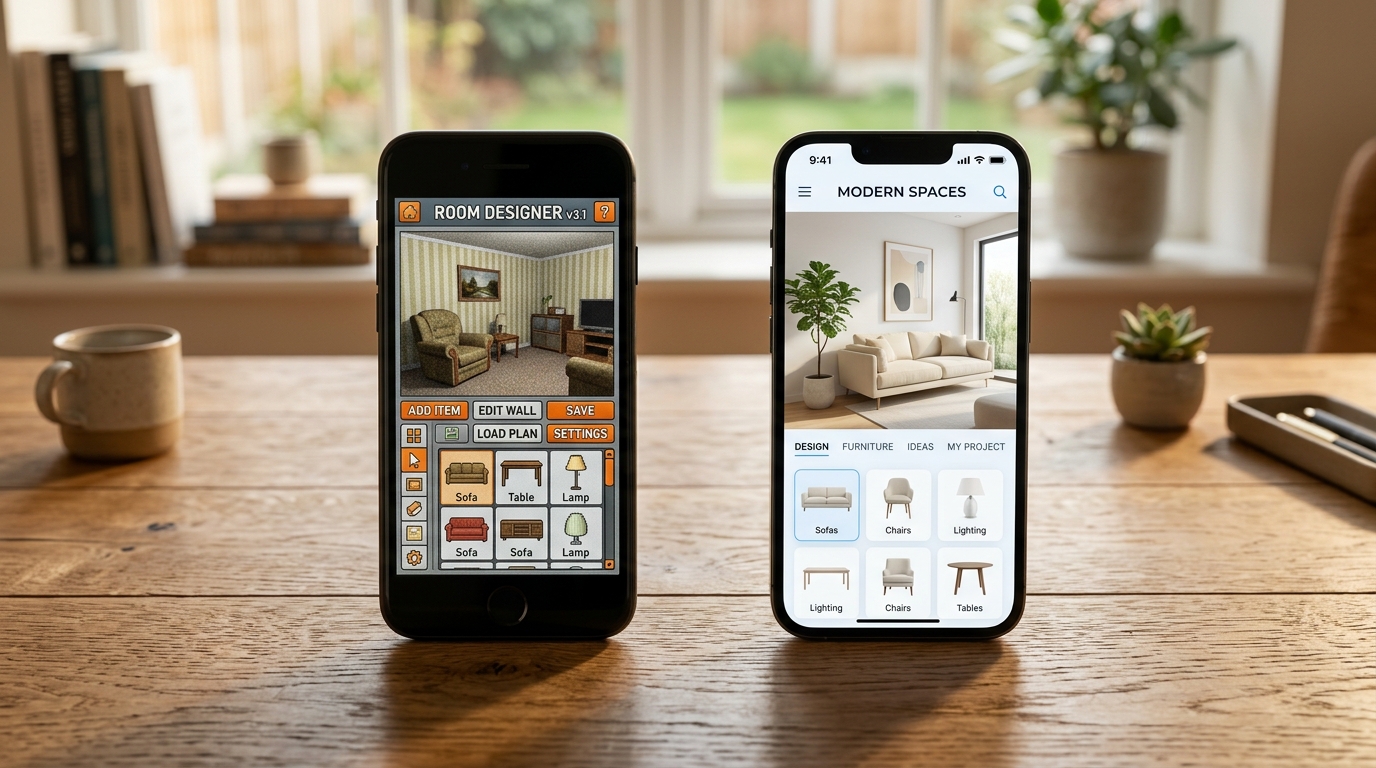
HomeGPT Alternative (2026): What's Free, What It Does & When to Switch
HomeGPT is a free exterior design tool, not an interior planner. Here's what it's good at, where it falls short, and the real alternatives for redesigning a room.
Read guide →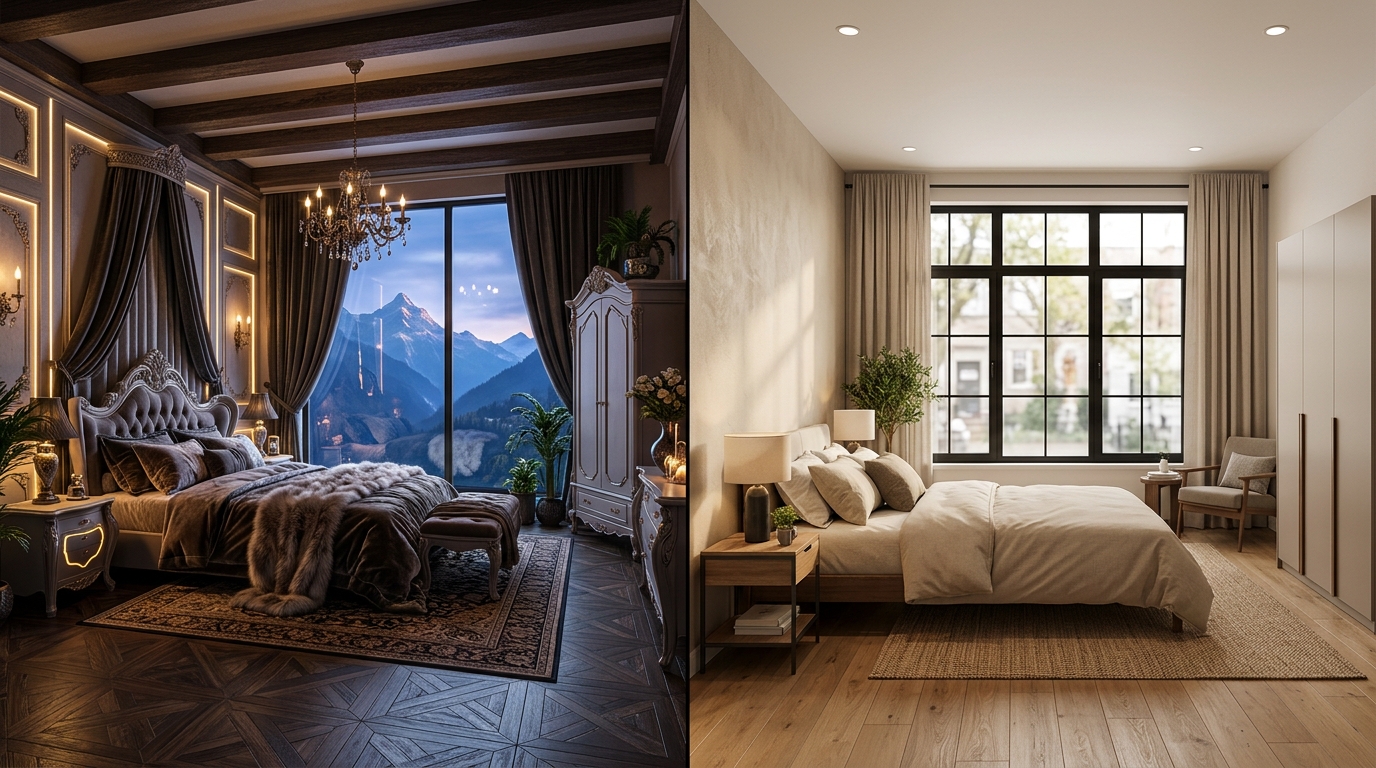
Interior AI Alternative (2026): Pricing & Tools That Keep Your Real Room
Interior AI pricing verified as of July 2026, plus alternatives that actually keep your walls, windows, and furniture intact.
Read guide →FAQ
Questions people actually ask
How much does Roomcast cost?
Roomcast has a free tier with a limited number of redesigns per month, no credit card required. Roomcast Premium is $6.99/month or $29.99/year (about $2.50/month) for unlimited redesigns, every style, and high-res saving. It’s a standard auto-renewable subscription billed through Apple — no trial-to-higher-price switch, no per-export fees, and you can cancel anytime in your Apple ID settings.
See how free tiers work across AI design apps →Will Roomcast keep my room’s actual layout, or generate a fake one?
Choose Keep room layout when you want Roomcast to preserve the room structure and furniture placement while restyling it. Choose Creative redesign when you want a bolder direction that can rearrange or replace freestanding furniture while keeping the same room and camera angle.
Read how photo-based redesign works →Can renters actually use these redesign ideas?
Yes — Roomcast’s redesigns focus on the parts of a room renters can actually change: furniture, layout, color palette, and decor, not structural or permanent changes. Always double-check anything ambiguous (like adhesive wall treatments) against your specific lease before making changes.
See a renter-friendly redesign workflow →What styles does Roomcast support?
Six styles: Modern, Scandinavian, Coastal, Japandi, Mid-Century, and Boho. Free users can try styles with a limited monthly allowance; Premium unlocks all styles with unlimited redesigns.
Compare AI room design apps →Can I buy the exact furniture shown in a redesign?
Not currently. AI-generated furniture is visual inspiration, not an exact product catalog. Use Roomcast to choose a style direction, then verify dimensions, availability, and fit before buying any similar pieces.
Compare AR vs AI photo tools for furniture shopping →How is Roomcast different from a virtual staging app?
Virtual staging tools are usually built for real estate listing photos and priced per image ($15–30 typically). Roomcast is built for people redesigning a room they actually live in, priced as a flat monthly or yearly subscription instead.
See how virtual staging apps are priced →How does Roomcast compare to RoomGPT, Interior AI and other AI room design apps?
Most alternatives run on per-image credits or tiered plans built for volume use like real estate staging. Roomcast is a flat $6.99/month or $29.99/year subscription built to redesign the one room you live in while keeping your real walls, windows and furniture in place.
Compare Roomcast to 6 alternatives →See what your room could look like.
Redesign your real room free — no signup. Honest pricing if you upgrade — $6.99/mo or $29.99/yr, cancel anytime.