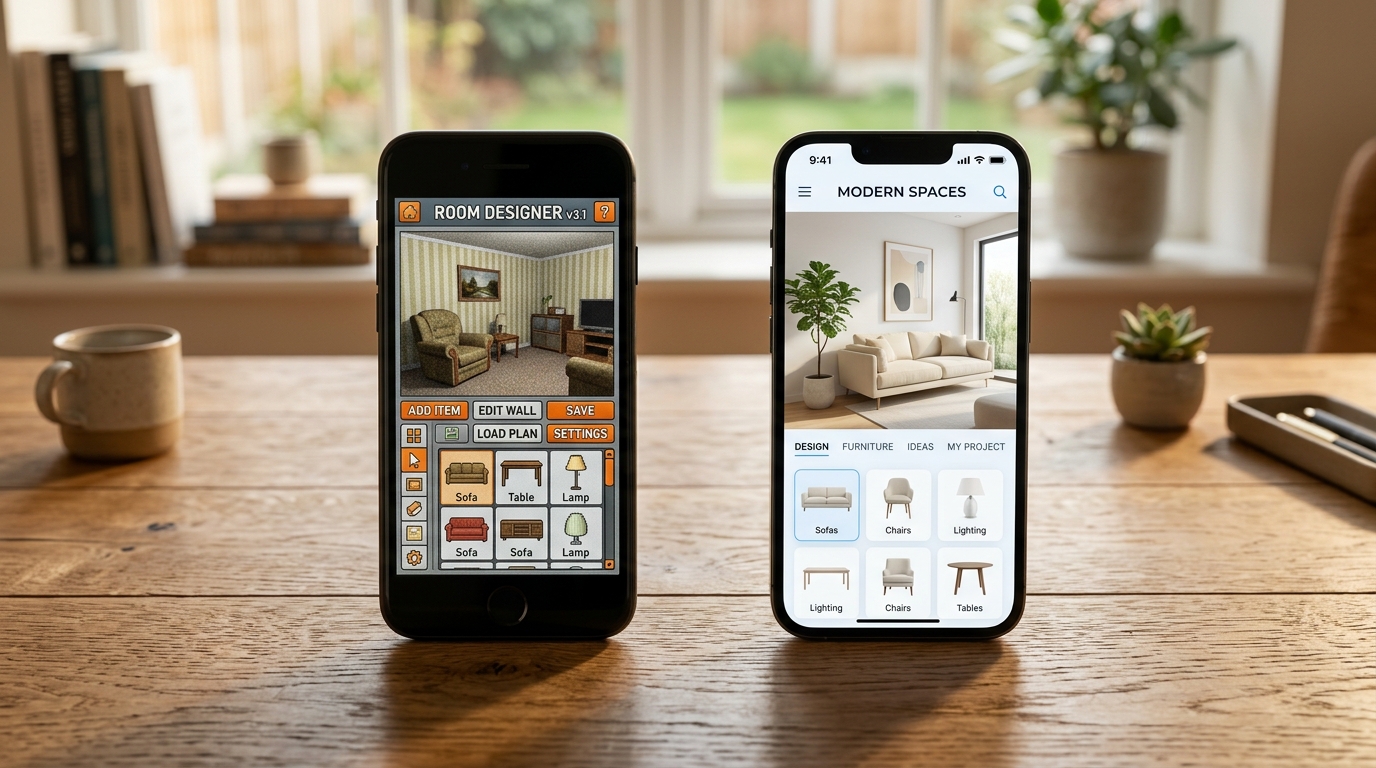
If you searched “HomeGPT alternative,” there’s a good chance you tried the tool, got a redesign back, and it wasn’t what you needed — or you’re comparing options before you upload anything at all. Either way, the first thing worth knowing is that “HomeGPT” isn’t one product. There’s a free web tool at homegpt.app built around exteriors and gardens, and there’s a separate paid HomeGPT app on the App Store that covers interiors too. Confusing the two is an easy way to end up disappointed by a tool that was never built for your use case.
This guide sorts out what each version actually does, where the free web tool is genuinely good, where it falls short if your goal is redesigning a room you actually live in, and which alternatives are worth trying instead — including when HomeGPT itself is still the right call.
See it in your own room for free
Upload a photo of your room, pick a style, and compare a redesign made with instructions to keep your room layout. No signup needed.
Redesign my room freeSee how Roomcast redesigns your actual roomOr get Roomcast on iPhone1 free watermarked preview a month. Premium on iPhone: $4.99/week with a 3-day free trial, $6.99/month, or $29.99/year with a 3-day free trial.
Is HomeGPT free?
As of July 2026, the HomeGPT web tool at homegpt.app markets itself plainly as free — no signup, no credit card, no hidden fees — and it delivers on that for its core use case: exterior and garden concepts. The separate HomeGPT iOS app, listed on the App Store, is a different animal: free to download, but the actual design generations sit behind a subscription (around $4.99/week or $37.99/year, with a short free trial). It covers interiors as well as exteriors, unlike the web version. So “is HomeGPT free” depends entirely on which HomeGPT you landed on — worth checking before you assume either way.
What HomeGPT is good at
The web version earns its “free” positioning honestly. It’s aimed at people comparing it against paid renovation-planning tools like Remodel AI and Renovate AI, and for exterior work it holds up:
- Exterior and curb-appeal concepts. Facades, siding, front doors, and driveway materials get redesigned quickly with a large library of style presets.
- Garden and landscape ideas. Front yards, backyards, patios, and garden beds are a first-class use case, not an afterthought.
- Zero friction to start. No account creation, no payment screen, no waiting — upload a photo and get a result immediately.
- Fast iteration. Because there’s no credit metering on the free web tool, you can try several style presets back to back without worrying about a running total.
If your project is “what would my house look like with different siding” or “give me some garden layout ideas,” this is a legitimately strong free option, and there’s no reason to pay for something else to do that job.
Where it falls short for interiors
The trouble starts when the goal shifts from “curb appeal concept” to “I want my actual living room or bedroom redesigned, with my real furniture and layout intact.” That’s a structurally different problem, and it’s one HomeGPT’s web tool doesn’t try to solve — it routes interior requests to a separate companion product rather than handling them in the same flow.
More importantly, tools built around exterior and garden concepts are typically optimized to produce the single most impressive image, and the fastest way to get that is to regenerate the whole scene rather than respect what’s already there. That’s a fine trade-off for a facade concept where “impressive” is the whole point. It’s a poor trade-off for interior planning, where the redesign needs to match your actual walls, windows, and furniture so you can act on it — buy the rug, move the chair, repaint the one wall — rather than just admire a picture of a room that isn’t yours.
If you want your own room kept recognizable, you need a tool built specifically around structure preservation, not one that happens to also offer an interior mode.
HomeGPT alternatives compared
| Tool | Free tier | Signup to try | Keeps your real room | Best for | Pricing model |
|---|---|---|---|---|---|
| HomeGPT (web) | Yes, unlimited | No | No — regenerates the scene | Exterior, garden, curb appeal | Free |
| Roomcast | 1/month | No, for first redesign | Yes — structure preserved | Interior rooms, real furniture kept | $6.99/mo or $29.99/yr |
| RoomGPT | 1 generation | Google sign-in | No — regenerates the scene | Quick single concept image | Credit packs |
| Spacely AI | Yes, credit-based | — | No — regenerates the scene | Fast concept renders, multiple styles | Credit packs |
| Planner 5D | Yes, floor-plan tools | No | Yes — you build the layout | 3D floor plans from measurements | Free start, paid plans |
A quick read on that table: if you want your real room back with new styling, Roomcast and Planner 5D are the two that actually preserve what’s there — everything else, including HomeGPT’s web tool, is optimized to reimagine the scene rather than respect it.
Where Roomcast fits (and when it doesn’t)
Roomcast is built for one job: take a photo of a room you actually live in and restyle it while keeping the things you can’t or don’t want to change — windows, walls, doors, and existing furniture stay put; only the styling, colors, and decor shift. There’s a free web demo at getroomcast.com/try that doesn’t require an account for your first redesign. Premium is $6.99/month or $29.99/year (about $2.50/month), with no credit packs to track and cancel-anytime billing. It works on the web and as a native iOS app, across 6 styles — Modern, Scandinavian, Coastal, Japandi, Mid-Century, and Boho.
The honest caveat: Roomcast is interiors only. If your actual project is a facade, front yard, garden bed, or general curb-appeal concept, HomeGPT’s free web tool is the right pick, not Roomcast — there’s no reason to reach for an interior-only tool for exterior work. Use HomeGPT for the outside of the house, and something built around structure preservation, like Roomcast, for the inside.
If you’re weighing this against other interior tools too, our RoomGPT alternative guide covers the same trade-off from that angle, and the room makeover app from photo guide breaks down what to look for in this whole category. For inspiration once you’ve picked a tool, the master bedroom layout ideas page is a good next stop.
Related guides
- Want the full category picture? AI room design app: what it is and how to pick one.
- Just testing whether a new layout works? Rearrange my room app.
- Comparing free tiers across apps? Free AI interior design apps.
Bottom line
HomeGPT’s free web tool is a genuinely good, zero-friction option for exterior and garden concepts — there’s no reason to pay for an alternative if that’s your project. But it isn’t built to keep your actual room intact, and neither is the credit-metered competition aimed at the same “regenerate the whole scene” goal. If what you actually want is your own living room or bedroom restyled with your real furniture kept in place, test it on your own photo first: try Roomcast free and see whether your room comes back recognizable.
See it in your own room for free
Upload a photo of your room, pick a style, and compare a redesign made with instructions to keep your room layout. No signup needed.
Redesign my room freeSee how Roomcast redesigns your actual roomOr get Roomcast on iPhone1 free watermarked preview a month. Premium on iPhone: $4.99/week with a 3-day free trial, $6.99/month, or $29.99/year with a 3-day free trial.
See it in your own room for free
Upload a photo of your room, pick a style, and compare a redesign made with instructions to keep your room layout. No signup needed.
Redesign my room freeSee how Roomcast redesigns your actual roomOr get Roomcast on iPhone1 free watermarked preview a month. Premium on iPhone: $4.99/week with a 3-day free trial, $6.99/month, or $29.99/year with a 3-day free trial.
Keep exploring: room ideas, all Roomcast alternatives compared, or redesign your own room free.