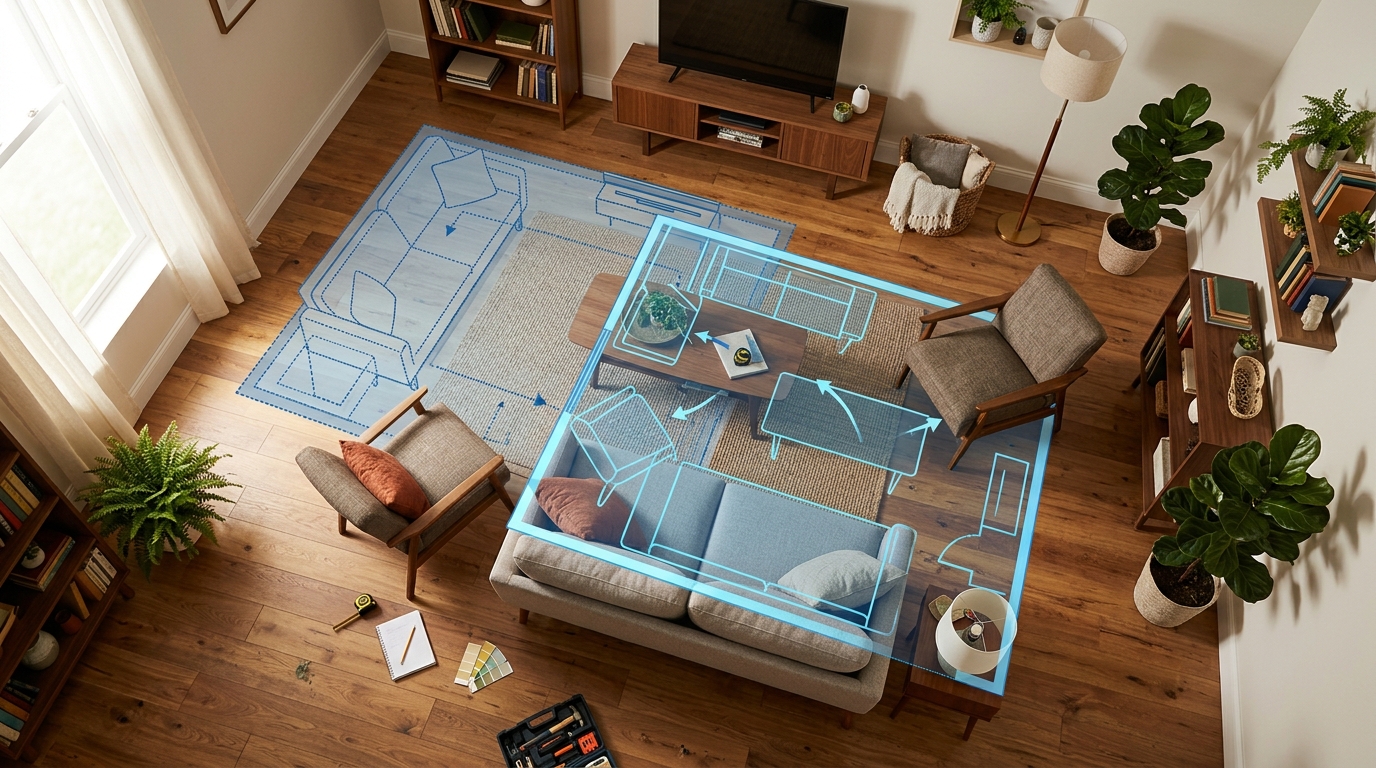
“Rearrange my room” is one of the most common home-related searches, and it splits into two genuinely different needs: some people want a precise plan to make sure furniture will physically fit in a new spot, and others just want a fast sense of whether a different layout or style would look and feel better. Different apps solve these two problems, and picking the wrong one for your actual need wastes time.
See it in your own room for free
Upload a photo of your room, pick a style, and compare a redesign made with instructions to keep your room layout. No signup needed.
Redesign my room freeSee how Roomcast redesigns your actual roomOr get Roomcast on iPhone1 free watermarked preview a month. Premium on iPhone: $4.99/week with a 3-day free trial, $6.99/month, or $29.99/year with a 3-day free trial.
If you need precision: manual layout planners
Tools like RoomSketcher, Planner 5D, and similar floor-plan apps ask you to input your room’s actual dimensions (or scan it), then let you drag to-scale furniture pieces around a 2D or 3D floor plan. The output is precise: if the plan says a sofa fits against that wall with 18 inches of walkway, it fits.
This is the right choice when the question is functional: will this actually fit, is there enough clearance to open a door or walk through, does a specific piece of furniture work in this specific spot. The cost is effort. Measuring your room and furniture, then manually placing everything, takes real time.
If you want speed: AI photo redesign
AI room design apps work from a single photo instead of measurements. You upload a picture of your room as it is, and the app generates a version showing a different look. That often includes a different furniture arrangement as part of a broader style change, not just a straight swap of what you already own into new positions.
This is faster and requires no manual input, but it is a different kind of answer. It shows you a visually plausible arrangement in a specific style, not a guarantee that the exact placement will physically fit your room’s real dimensions. Think of it as answering “would a different layout and style improve this room” rather than “will my actual couch fit exactly here.”
A workflow that uses both
- Start with an AI redesign to test direction. Generate a redesign of your room and see whether a different arrangement or style noticeably improves the space. This is the fastest way to decide if rearranging is worth pursuing at all, before you invest time in precise measuring.
- If it is promising, verify fit manually before moving anything heavy. Measure your key furniture pieces and the relevant wall and floor space, or use painter’s tape to outline where a piece would sit. This is a low-tech but reliable way to confirm something will fit before you move it.
- Use a floor-plan tool if you’re planning to buy new furniture, since getting the dimensions right before purchase matters more than it does for furniture you already own and can simply move back if it doesn’t work.
Where Roomcast fits
Roomcast is the first-step tool in that workflow: photo in, restyled room out, no measuring required. It keeps your room’s walls, windows, and doors recognizable and shows a realistic redesign with layout and furniture changes in one of six styles. It is built to answer “is a different look worth pursuing” quickly, not to replace a measured floor plan if you are about to buy something large that needs to fit exactly.
| What you need to decide | Use Roomcast first | Use a measured planner |
|---|---|---|
| Is a different layout or style worth exploring? | Yes | Optional |
| Will a specific sofa fit to scale? | No | Yes |
| Do you want a result from one photo? | Yes | No |
| Are you about to buy large furniture? | Use it for direction | Verify every dimension |
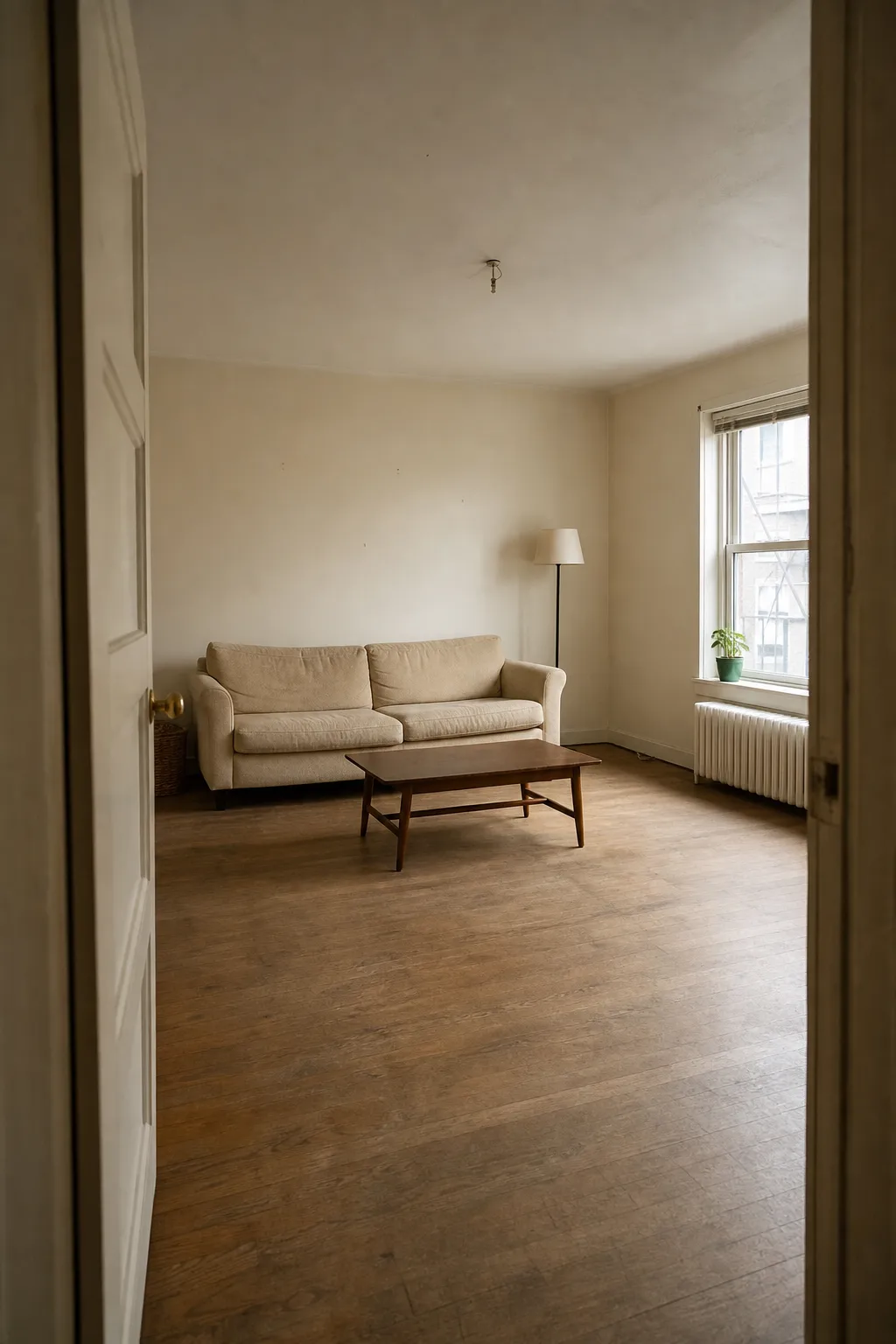
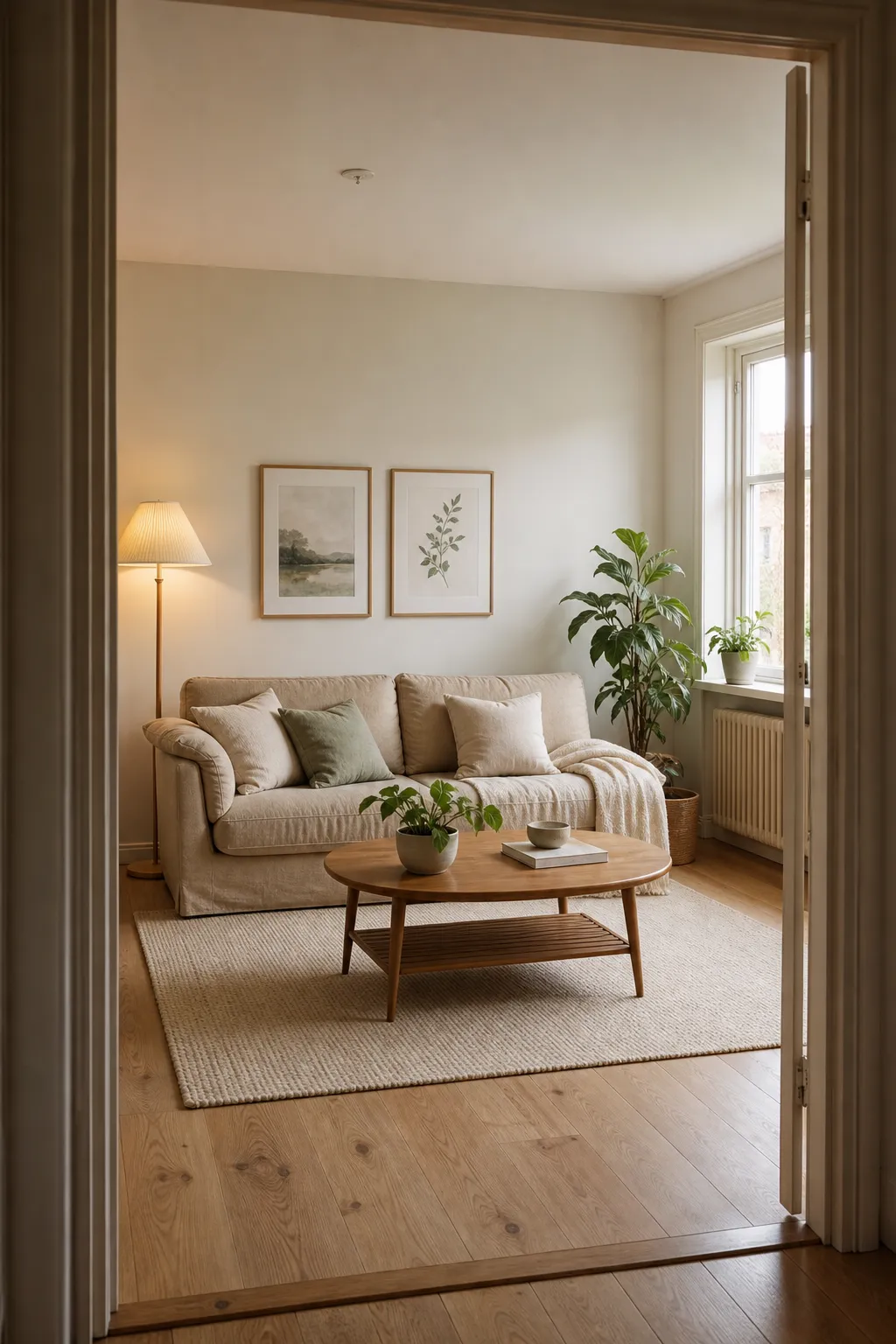
See the layout before you move anything
Before
After: Scandinavian
Related guides
- Want the AI half of this workflow explained end to end? See room makeover app from photo for how photo-based redesign actually works.
- Comparing tools before you pick one? AI room design app: what it is and how to pick one covers the category.
- Only want to spend money if it’s worth it? Free AI interior design apps breaks down what “free” really gets you.
- Tried HomeGPT and it didn’t fit your interior project? Read the HomeGPT alternative guide.
Bottom line
Use an AI photo redesign app to quickly test whether rearranging is worth it and what direction to go in. Switch to a measured floor-plan tool (or a tape measure and some painter’s tape) once you’re actually committing to move or buy furniture and need to confirm it will fit.
If you are working with a tight rental, continue with the small apartment decorating ideas or the cozy apartment living room guide before opening the free room redesign demo.
See it in your own room for free
Upload a photo of your room, pick a style, and compare a redesign made with instructions to keep your room layout. No signup needed.
Redesign my room freeSee how Roomcast redesigns your actual roomOr get Roomcast on iPhone1 free watermarked preview a month. Premium on iPhone: $4.99/week with a 3-day free trial, $6.99/month, or $29.99/year with a 3-day free trial.
Keep exploring: room ideas, all Roomcast alternatives compared, or redesign your own room free.