“Can I see this in my room before I buy it” is a completely reasonable thing to want, and two different technologies answer it in different ways. Knowing which one matches your actual situation — do you already know what you want to buy, or are you still figuring out a style — saves time.
AR camera apps: best when you already picked the item
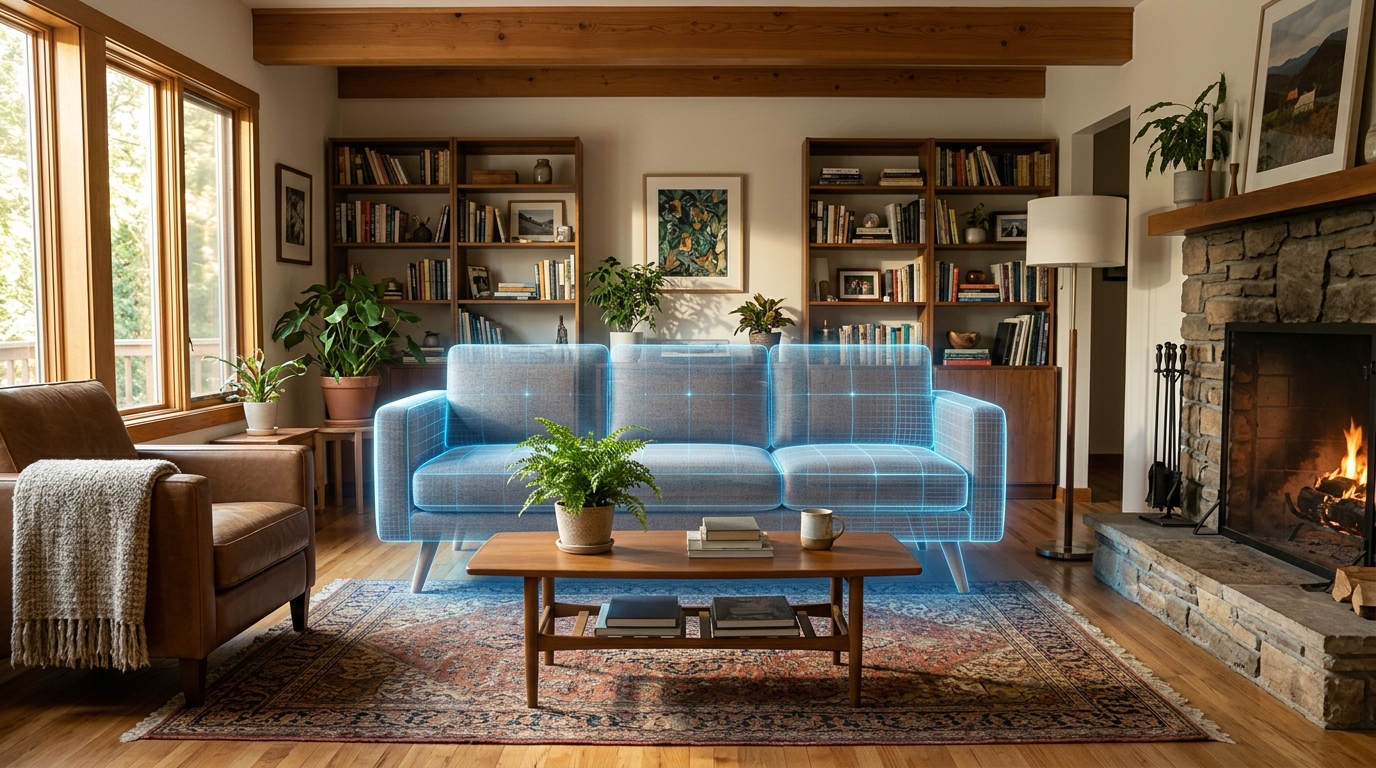
Retailers including IKEA, Wayfair, Amazon, Target, and West Elm offer AR (augmented reality) apps that place a 3D model of a specific product into your room through your phone’s camera, in real time. You point your camera at the spot, and a true-to-scale model of that exact couch or table appears where you’re pointing.
This is the right tool when you’ve already found a specific piece of furniture — on that retailer’s site — and want to confirm it fits and looks right before ordering. Because the 3D model matches the real product’s dimensions, well-implemented AR is quite accurate for size and placement.
The limitation: it only works for products the retailer has modeled in 3D (usually their own catalog), and it shows you one item in isolation, not a restyled room. It answers “does this specific couch work here,” not “what should this whole room look like.”
AI photo redesign apps: best when you’re still deciding on direction
If you don’t yet know what you want — you just know the room needs to feel different — an AI room redesign app is a better starting point. Instead of testing one product at a time, you get a full restyled version of your room, with furniture, color, and decor changed together as a coherent look. Treat the generated objects as visual direction rather than exact products, then use visual search or retailer catalogs to find similar pieces.
The tradeoff is precision: a photo-based redesign doesn’t guarantee that a specific suggested piece is scaled exactly to your room the way a true AR preview does. It’s built to answer a style question, not confirm an exact fit.
Using both together
The two tools aren’t competitors so much as steps in the same process:
- Use an AI redesign app first if you don’t have a specific style or furniture direction yet. Generate a redesign, see what stands out, and get a sense of the shapes, materials, and colors to search for.
- Use the retailer’s AR app second, once you’ve narrowed down to specific pieces, to confirm size and placement before you actually order — especially for large items like sofas or dining tables where a sizing mistake is expensive to fix.
Where Roomcast fits
Roomcast is the first-step tool: upload a photo of your room, choose Keep room layout or Creative redesign, and explore a complete style direction. Roomcast does not currently claim that generated furniture is an exact purchasable product; use visual search or a retailer’s AR tool to find and verify similar pieces.
See it in your own room for free
Upload a photo of your room, pick a style, and compare a redesign made with instructions to keep your room layout. No signup needed.
Redesign my room freeSee how Roomcast redesigns your actual roomOr get Roomcast on iPhone1 free watermarked preview a month. Premium on iPhone: $4.99/week with a 3-day free trial, $6.99/month, or $29.99/year with a 3-day free trial.
Bottom line
If you already know the exact piece of furniture you want, a retailer’s AR app is the more precise tool for confirming fit. If you’re still deciding what direction to take the room, an AI photo redesign app is the faster way to explore options and land on a style before you start shopping for individual pieces.
See it in your own room for free
Upload a photo of your room, pick a style, and compare a redesign made with instructions to keep your room layout. No signup needed.
Redesign my room freeSee how Roomcast redesigns your actual roomOr get Roomcast on iPhone1 free watermarked preview a month. Premium on iPhone: $4.99/week with a 3-day free trial, $6.99/month, or $29.99/year with a 3-day free trial.
Keep exploring: room ideas, all Roomcast alternatives compared, or redesign your own room free.