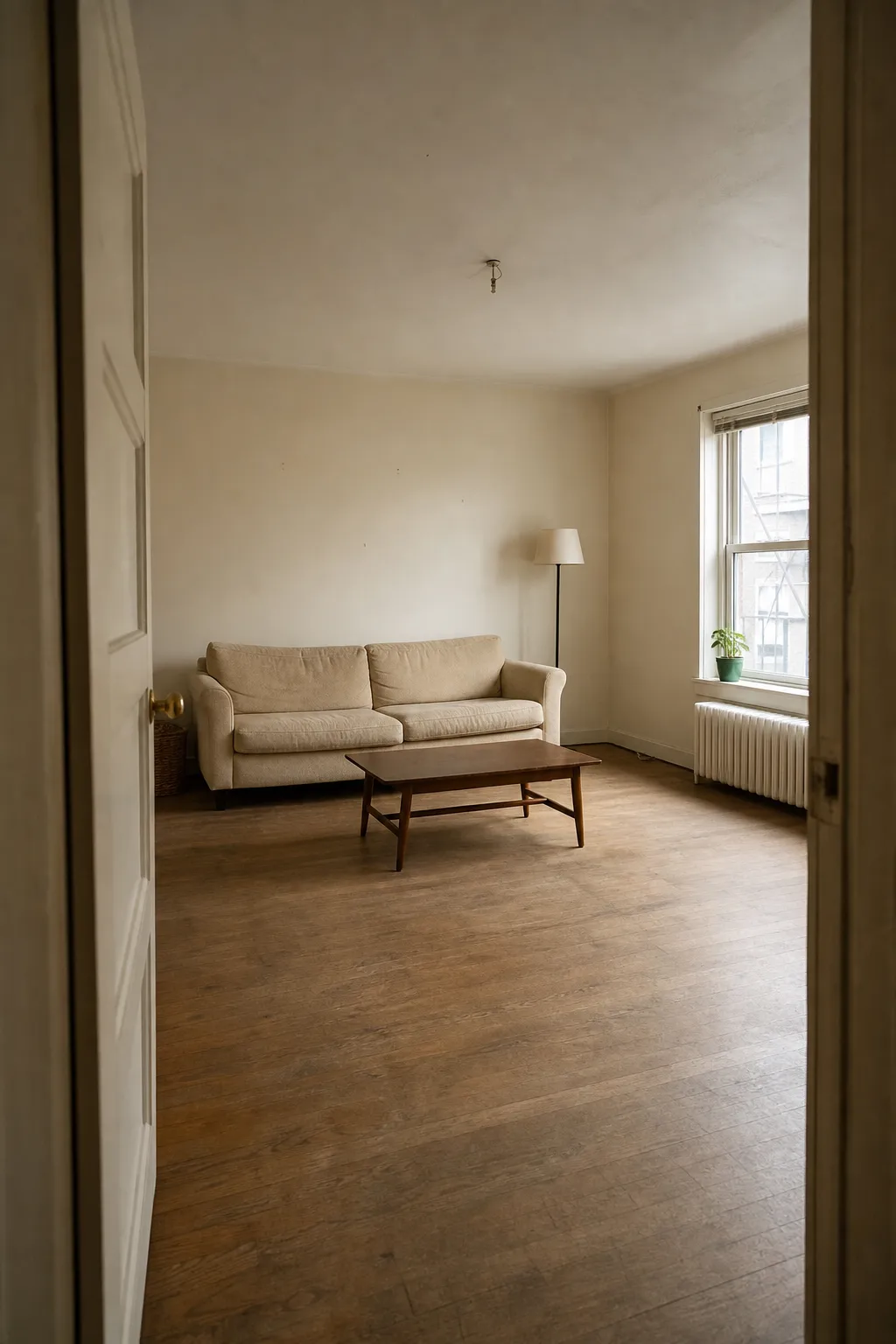
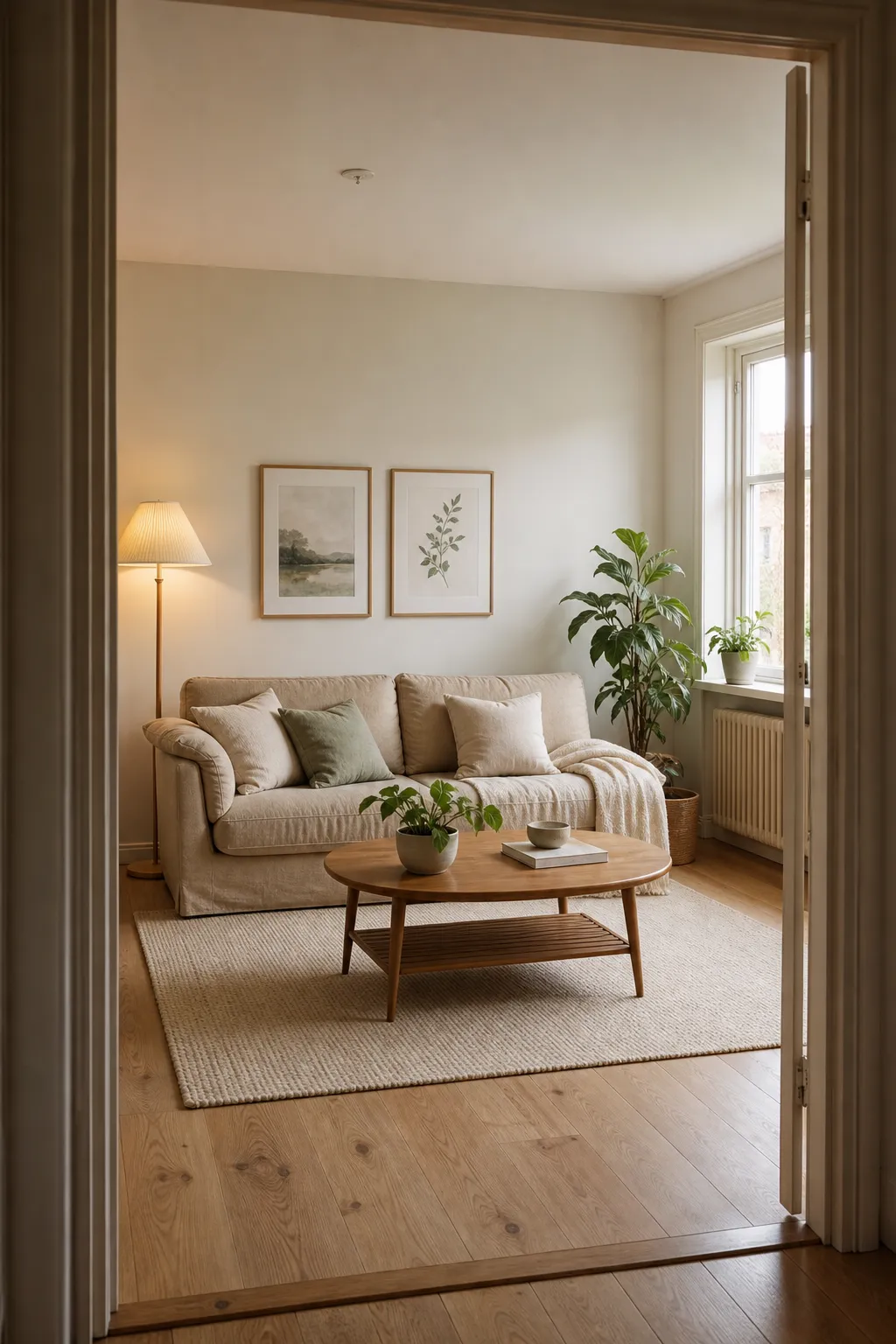
A real Roomcast before and after
Before
After: Scandinavian
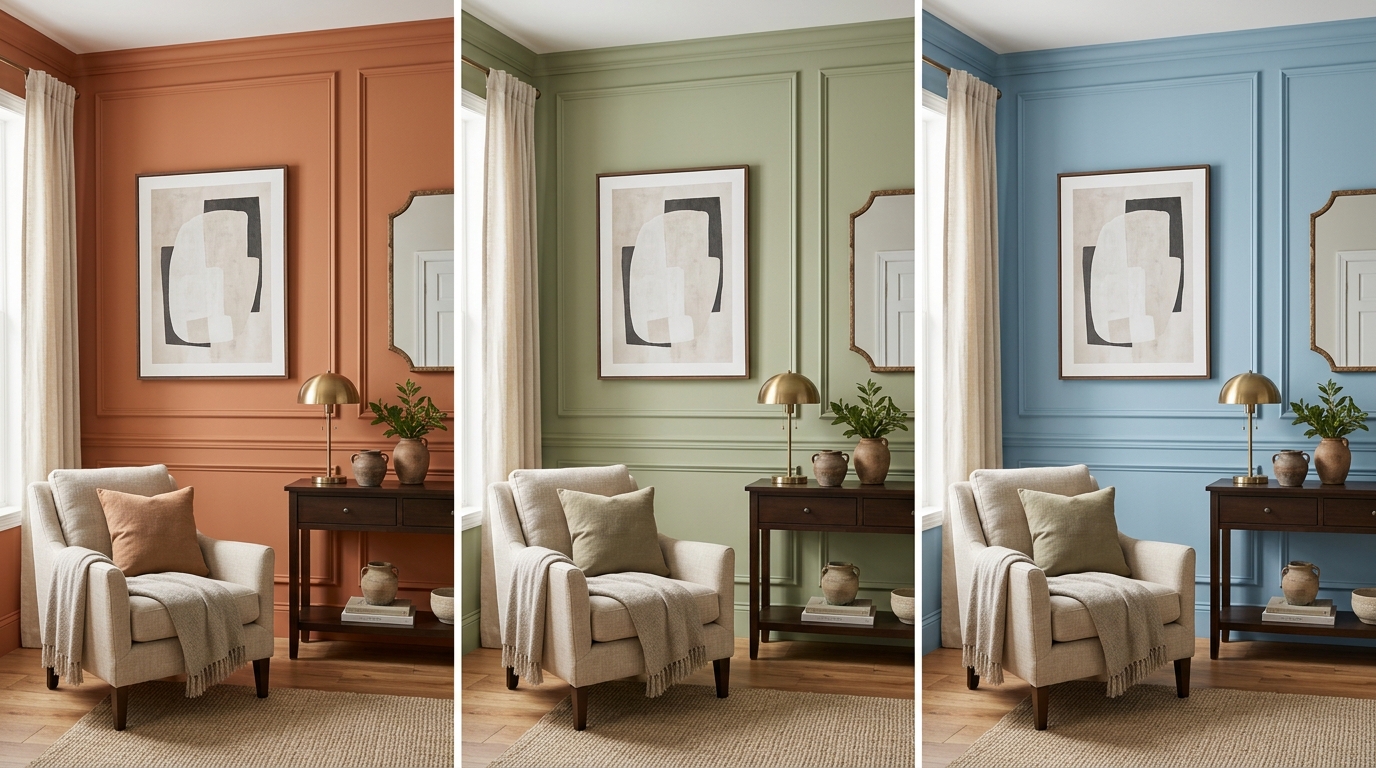
Paint is the cheapest way to change how a room feels, and also one of the easiest to get wrong from a swatch alone. A color that looks perfect on a 2-inch paper chip can read completely different across a whole wall, especially once your room’s actual lighting is involved. That’s the problem paint visualizer apps solve — but there are two different kinds, and picking the right one depends on what you’re actually trying to decide.
Brand visualizers: best for picking an exact color
Every major paint brand — Behr, Sherwin-Williams, Benjamin Moore, Glidden, PPG — offers a free tool where you upload a photo of your room and preview their specific colors on your walls. These are purpose-built and free, and they’re the right choice when you already know you’re buying from that brand and just need to narrow down a shade.
Their limitation is scope: they only recolor the walls in your existing photo. Your furniture, decor, and layout stay exactly as they are. That’s precise for the one thing they do, but it won’t tell you whether a color works with a broader style change you’re also considering.
AI room redesign apps: best for seeing paint as part of a whole look
If you’re not just choosing between three shades of the same beige, but actually deciding on a direction — should this room go warm and earthy, or cool and minimal — a full AI room redesign app is more useful. Instead of just recoloring your existing walls, it generates a new version of your room with an entirely different style: new wall color, new furniture, new decor, all consistent with each other.
The tradeoff is precision. A redesign app will show you a warm terracotta wall as part of a Coastal or Japandi redesign, but it won’t give you the exact paint brand and code the way a dedicated visualizer will. Use it to decide on direction — “yes, warm tones work in this room” — then use a brand visualizer or an in-store color match to land on the exact shade.
A practical two-step approach
- Use an AI redesign app first to test direction. Generate a couple of styles for your room and see which overall palette and mood you respond to. This answers the bigger question — warm or cool, bold or neutral — faster than staring at a wall of paint chips.
- Use a brand visualizer to lock in the exact color. Once you know the direction, take your room photo to a brand’s visualizer (or an in-store consultation) and test 3–4 specific shades in that family against your actual lighting.
What to watch for in either type of tool
- Lighting mismatch: a visualizer that doesn’t account for your room’s actual light direction and bulb color will give you a less accurate preview. Photos taken in your room’s normal lighting (not overcast, not with a colored lamp on) produce the most reliable results.
- Structural accuracy in redesign apps: if you’re using a full redesign app to test paint direction, make sure it preserves your room’s actual walls and windows rather than generating a different room shape — otherwise you’re evaluating a color in a room that isn’t yours.
Where Roomcast fits
Roomcast is a full-room redesign app, so it’s the “test direction” tool in the two-step approach above: upload a photo of your room, pick a style — Modern, Scandinavian, Coastal, Japandi, Mid-Century, or Boho — and see a realistic redesign that includes a new palette alongside furniture and decor, with your actual walls, windows, and layout kept intact. It’s not a paint-brand color matcher, but it’s a fast way to decide what palette direction you actually want before you go shade-hunting.
See it in your own room for free
Upload a photo of your room, pick a style, and compare a redesign made with instructions to keep your room layout. No signup needed.
Redesign my room freeSee how Roomcast redesigns your actual roomOr get Roomcast on iPhone1 free watermarked preview a month. Premium on iPhone: $4.99/week with a 3-day free trial, $6.99/month, or $29.99/year with a 3-day free trial.
Bottom line
Brand visualizers are the right tool for locking in an exact paint color once you know your direction. AI redesign apps are the right tool for figuring out that direction in the first place, by showing paint as part of a whole restyled room rather than in isolation.
See it in your own room for free
Upload a photo of your room, pick a style, and compare a redesign made with instructions to keep your room layout. No signup needed.
Redesign my room freeSee how Roomcast redesigns your actual roomOr get Roomcast on iPhone1 free watermarked preview a month. Premium on iPhone: $4.99/week with a 3-day free trial, $6.99/month, or $29.99/year with a 3-day free trial.
Keep exploring: room ideas, all Roomcast alternatives compared, or redesign your own room free.